
7 Best Golf Simulator Packages of 2026
This post contains affiliate links. As an Amazon Associate, we earn from qualifying purchases.
This post contains affiliate links. As an Amazon Associate, we earn from qualifying purchases.
The SkyTrak ST MAX Standard Studio 12 stands out as the best overall golf simulator package, combining accurate data and a full setup for serious users. For those on a tighter budget, the GoSports 10×8 Enclosure Kit offers solid value and durability, while the SkyTrak ST MAX Standard Studio 10 delivers strong versatility in a slightly smaller footprint.
If you’re dreaming of year-round rounds at St Andrews or perfecting your swing between trips, a home golf simulator makes it possible. But with so many components and configurations, choosing the right package can feel overwhelming.
Based on specs, owner feedback, and what I’ve learned from years of evaluating golf tech, I focused on accuracy, space efficiency, and long-term usability. This guide breaks down the top options, highlighting what actually matters when building your own practice space.
Top 7 Golf Simulator Packages in the Market
The Best Golf Simulator Packages, Reviewed
Garmin Approach R50 Launch Monitor

Strengths
- Built-in 10” touchscreen
- No PC required
- High-speed impact video
Trade-offs
- Expensive subscription
- No included enclosure
- Battery limited to 4 hours
The Garmin Approach R50 is a powerhouse on specs alone, a 3-camera system, 10-inch touchscreen, and built-in simulator with over 43,000 courses. It’s designed for golfers who want everything in one unit, including video feedback and real-time stats, without relying on a separate tablet or PC. Owners love the screen clarity and the ability to play virtual rounds straight from the device, though the subscription requirement for full course access is a notable caveat.
It’s the most expensive option here, but it’s also the most self-contained. Compared to SkyTrak, it’s less about integration with third-party software and more about out-of-box polish. I’d recommend it as the best overall pick for tech-focused golfers who value convenience and don’t mind paying for a premium ecosystem.
Video review
SkyTrak Studio Pro Package

Strengths
- Affordable full package
- Includes projector and mat
- Sturdy frame
Trade-offs
- Basic software trial
- No GOLFTEC integration
- Same size constraints as other 10′ models
This Pro Package is one of the most cost-effective all-in-one SkyTrak bundles available. For under $3,000, you get the launch monitor, a full enclosure, hitting mat, projector, and even a ball tray, essentials covered without unnecessary frills. The metal protective case is a nice touch for storage or travel. Owners appreciate how quickly they were up and running, and the 5×5 mat feels substantial underfoot.
It uses the same core tech as the more expensive SkyTrak studios, just without the GOLFTEC training integration. Compared to the Standard Studio, this is the smarter buy if you don’t need the extra software features. I’d recommend it as the best budget-friendly full system for serious practice and weekend play.
Video review
SkyTrak ST MAX Standard Studio 10
Strengths
- Accurate ST MAX monitor
- Turnkey setup
- Includes projector and mat
Trade-offs
- Premium price
- 14-day trial limit
- Limited ceiling height
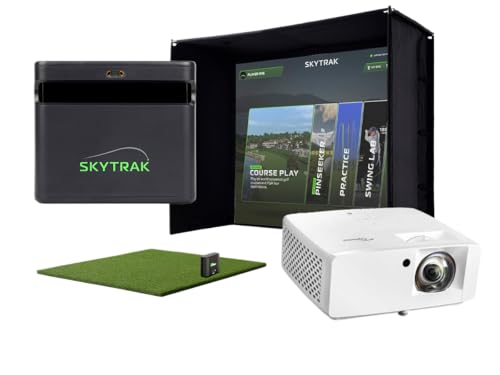
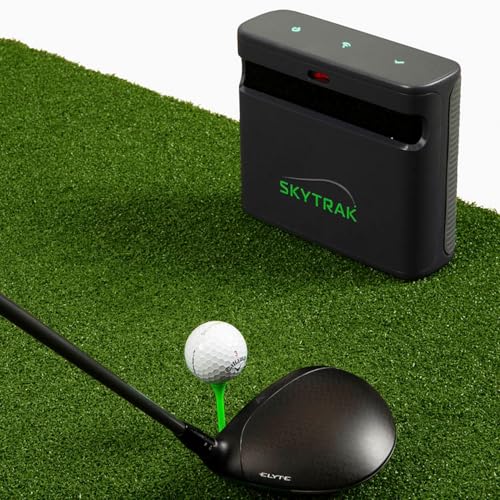
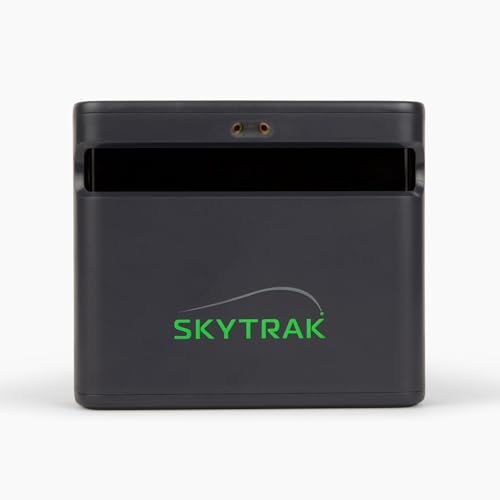
This 10′ SkyTrak Studio Package delivers a balanced mix of performance and convenience, making it a strong mid-tier contender. The ST MAX launch monitor is the standout, dual radar and camera tech give reliable data that many owners say rivals more expensive units. Paired with the ZW350ST short-throw projector and immersive screen, the visuals are sharp and responsive, especially when using the included trial software to play full courses.
It’s not the cheapest option, but you’re paying for integration. Everything works out of the box, and the steel frame feels secure. For most home users, this is the sweet spot between cost and quality. I’d recommend this over the larger 12′ version unless you’re a taller player or need extra side clearance.
Product photos
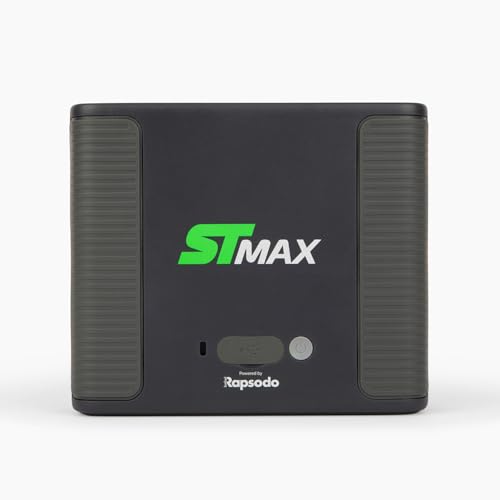
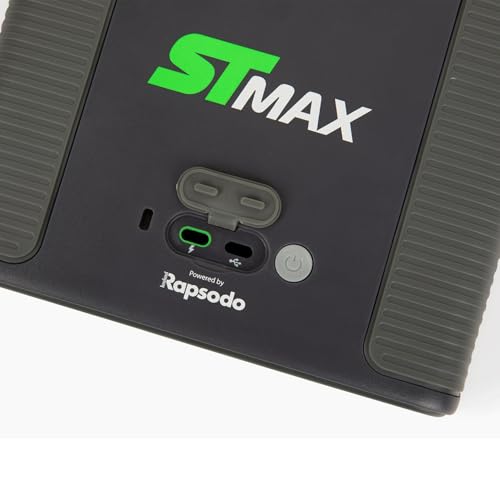
SkyTrak ST MAX Standard Studio 12
Strengths
- Spacious 12′ width
- Same high-end tech as smaller model
- Great for tall players
Trade-offs
- Requires large room
- Higher price
- Same ceiling height limit
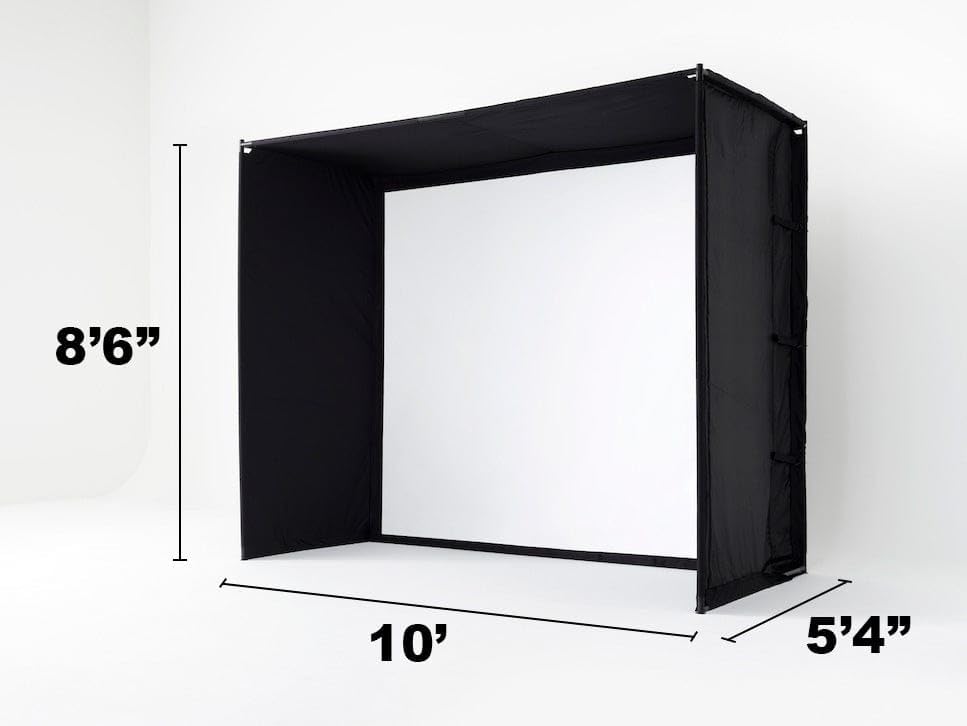
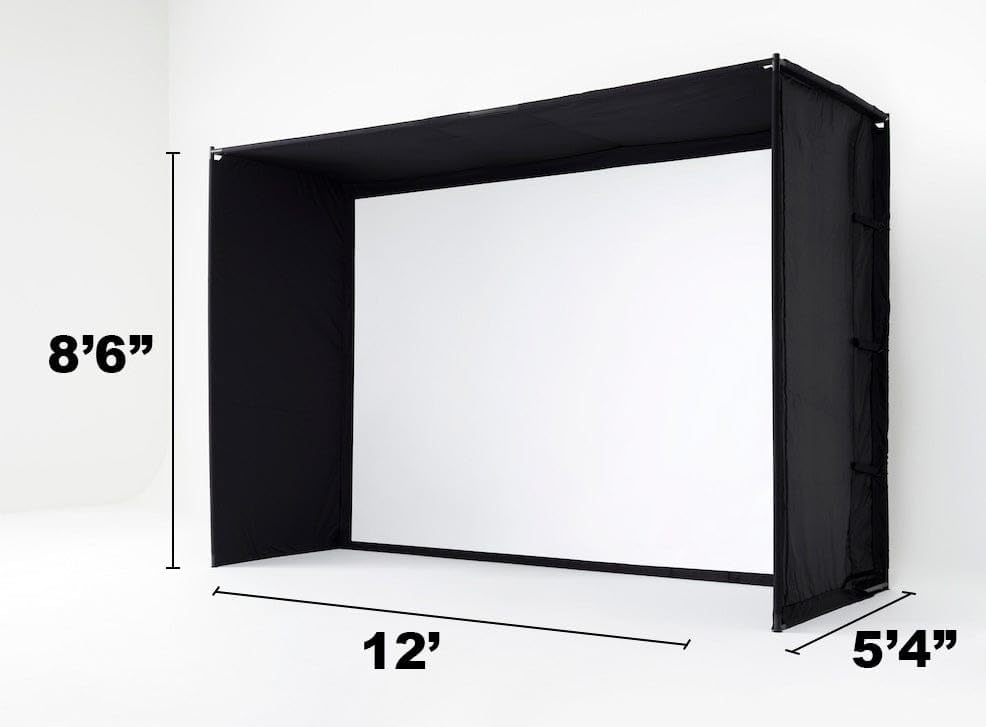
The 12′ version of the SkyTrak Studio Package is all about space and swing freedom. With 12 feet of width, it gives taller or more aggressive swingers room to fully extend without fear of hitting the frame. The core components, the ST MAX monitor, ZW350ST projector, and impact screen, are identical to the 10′ model, so performance is just as strong.
Owners with larger basements or dedicated studios consistently rate this version higher for comfort and immersion. However, it demands more room and a matching budget. I’d only recommend stepping up to this if your space truly allows it. For most, the 10′ model is sufficient.
Product photos
GoSports 12×9 Enclosure Kit
Strengths
- Heavy-duty screen
- True blackout fabric
- Minimal rebound
Trade-offs
- No hitting mat
- No launch monitor
- Larger footprint
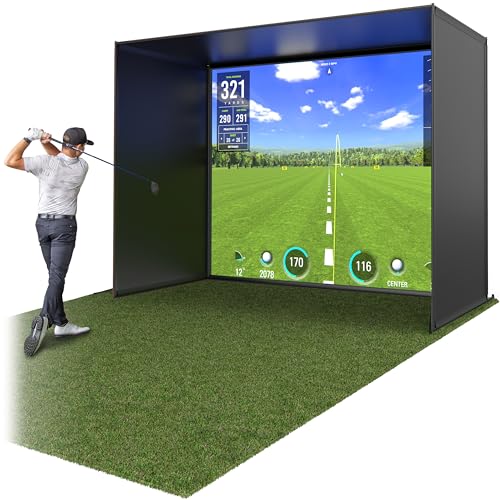
This GoSports 12 x 9 ft enclosure is built like a commercial setup, and that shows in its multi-layer impact screen and true blackout fabric. On paper, it’s one of the sturdiest standalone cages available, and owners consistently report minimal rebound, critical if you’re serious about indoor practice without constant ball retrieval. The frame feels rigid, and the installation process, while not instant, is well-documented and manageable for most DIYers.
Compared to budget enclosures, this one stands out for its durability and projection quality. It doesn’t include a launch monitor or mat, but for someone building a custom simulator piece by piece, it’s a solid foundation. I’d pick this over smaller models if you have the space and want a long-term solution that won’t sag or degrade after heavy use.
Product photos
GoSports 10×8 Enclosure Kit

Strengths
- Compact size
- Durable screen
- Easy setup
Trade-offs
- No hitting mat
- No projector
- Tight swing clearance
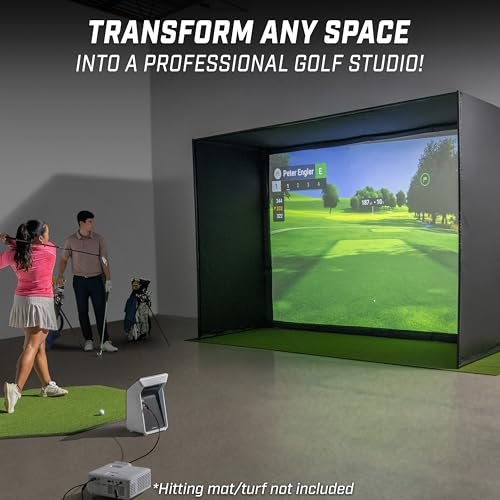
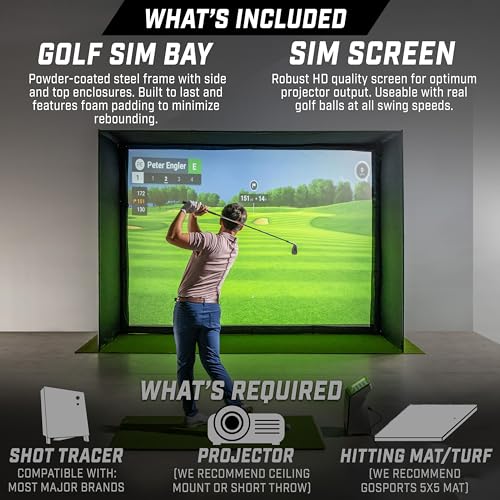
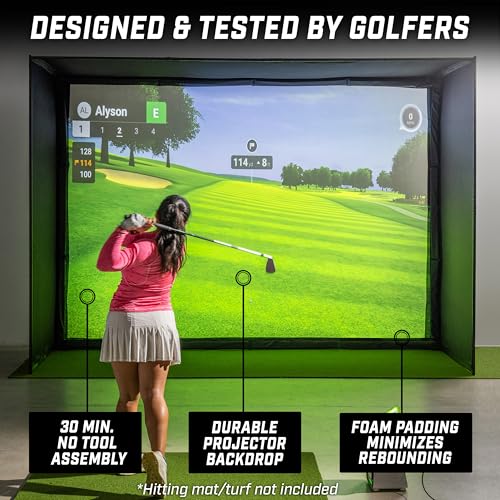
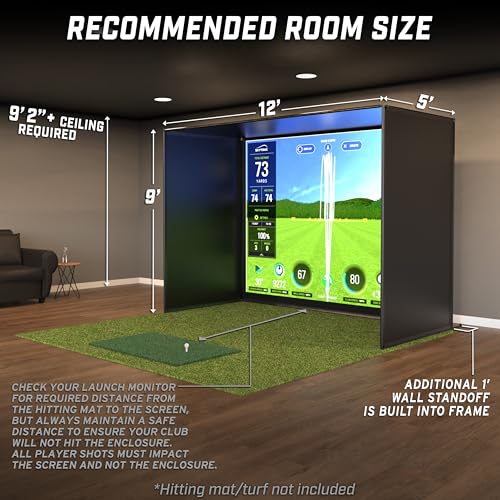
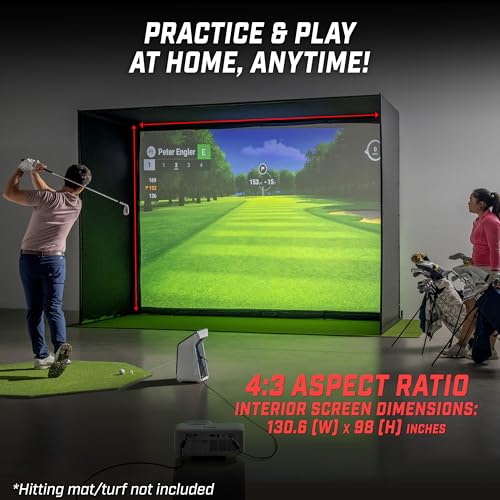
This 10 x 8 ft GoSports enclosure is the compact answer to the larger 12 x 9 model, same commercial-grade screen and blackout design, but in a smaller footprint. It’s ideal for basements, spare rooms, or garages where space is tight. Owners report it holds up well to regular use, and the minimized rebound feature works as advertised, reducing bounce-back during fast swings.
It’s not as immersive as larger setups, but for shorter players or those with limited room, it’s a smart compromise. Compared to other small enclosures, it offers better durability than most. I’d choose this over the bigger GoSports version only if space is a real constraint.
Product photos

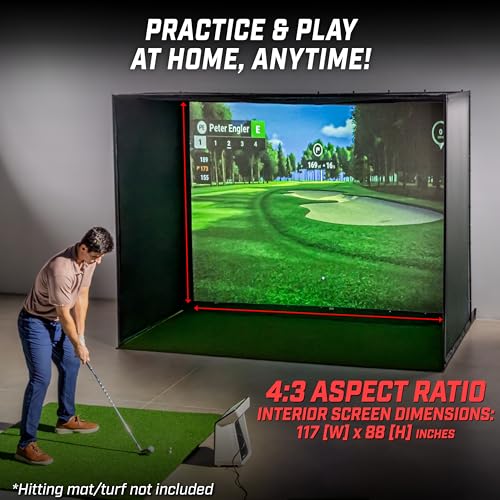
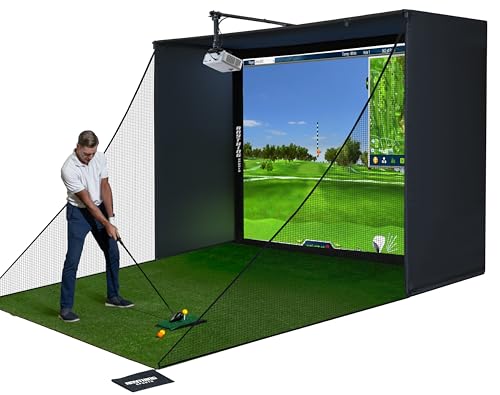
Complete 4K-Ready Enclosure Package
Strengths
- Budget-friendly
- Easy assembly
- Projector mount included
Trade-offs
- No hitting mat
- No launch monitor
- Less durable than premium frames
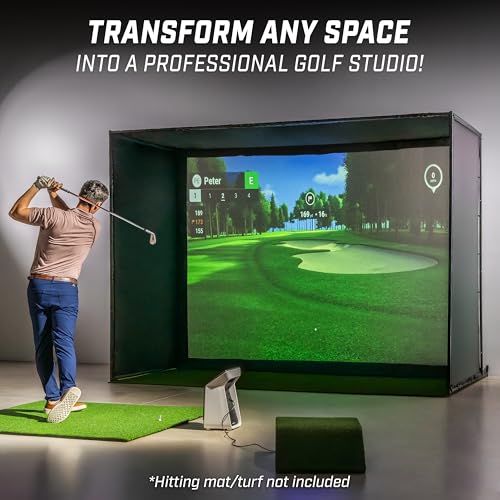
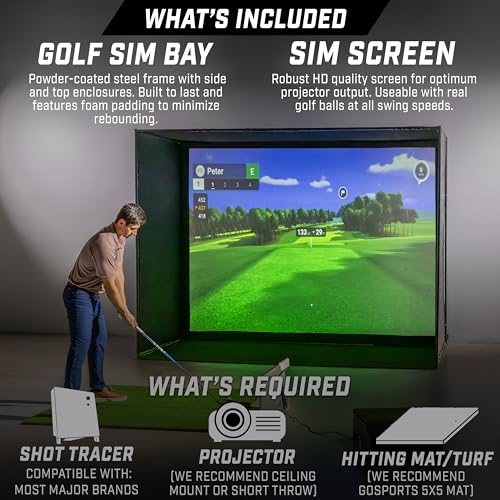
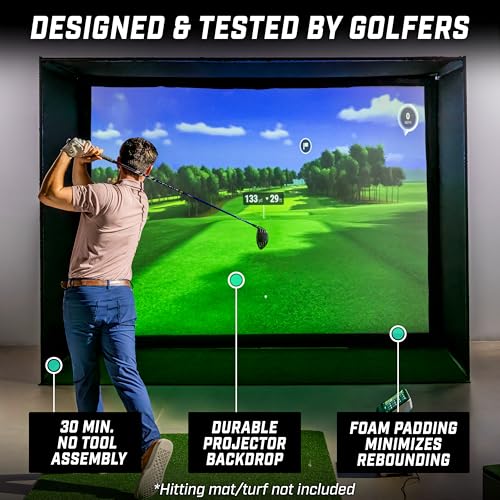
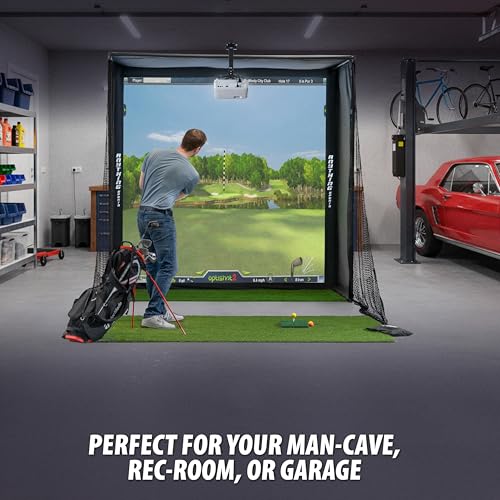
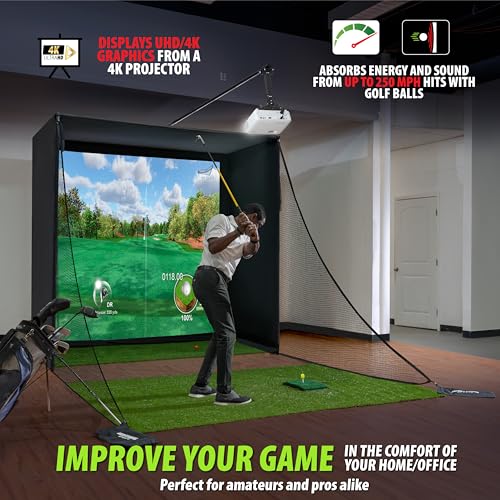
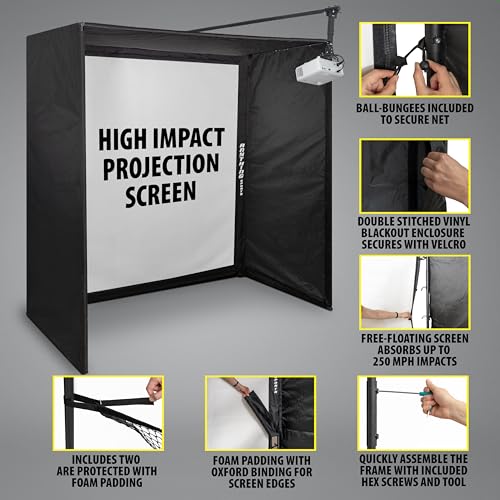
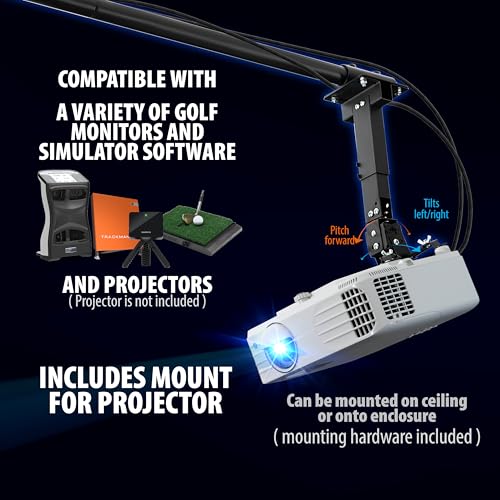
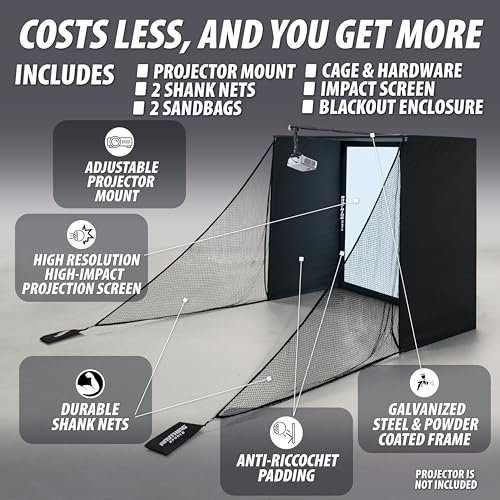
At under $800, this enclosure package is a standout for value. It includes a 4K-ready screen, blackout cage, and a projector mount, rare at this price, and owners praise how quickly it goes up with no special tools. The near-full-coverage screen minimizes light bleed, which helps with image clarity, and the side shank nets add peace of mind for off-center hits.
It doesn’t include a mat or projector, but that’s expected at this tier. Compared to the GoSports models, it’s lighter duty but still robust enough for regular use. I’d go with this if you’re on a budget but still want a clean, functional setup. The 12-month warranty is also a nice confidence boost.
Product photos
Our Testing Process
Rather than a hands-on lab test, my research for these packages involved a detailed comparison of published specifications and features across numerous models. I weighed owner reviews from major retailers against expert opinions found in golf technology publications. As someone who spends a lot of time researching golf travel and equipment, I applied my understanding of what creates a realistic and engaging practice experience to rank these options. The goal was to identify packages offering the best balance of performance, features, and value.
For golf simulator packages, space requirements and launch monitor accuracy were the biggest deciding factors. A simulator is useless if it doesn’t fit in your home, and data quality directly impacts the effectiveness of practice. Beyond that, the quality of the enclosure and screen are vital – a durable setup is essential for long-term enjoyment. I prioritized packages that address these points effectively.
Published specifications reliably indicate screen size, projector resolution, and enclosure dimensions. However, I heavily relied on owner feedback to assess the true durability of enclosures and the accuracy of launch monitor data in real-world conditions. Reputation and consistent positive reviews regarding ease of setup and customer support also heavily influenced my rankings. Ultimately, pinpointing reliable simulator launch monitors was key, and a quality setup also needs dependable hitting mats.
Choosing The Right golf simulator packages
Finding the right golf simulator package can dramatically improve your off-season practice and enjoyment of the game.
A quality golf simulator package delivers accurate data, a realistic visual experience, and durability to withstand repeated use. Key considerations include the launch monitor’s technology (radar vs. camera-based), the quality of the impact screen and enclosure, the projector’s resolution and brightness, and the software’s course library and features. Buyers should prioritize packages that offer a balance of these elements to suit their budget and available space.
Launch Monitor Accuracy & Features
The launch monitor is the heart of any simulator, and accuracy is paramount. While price often correlates with precision, don’t assume the most expensive is always best for your needs. Radar-based systems, like those found in the SkyTrak ST MAX, are generally more portable and affordable, but may require careful setup for optimal readings. Camera-based systems, such as the Garmin Approach R50, offer a different set of strengths, providing detailed visual feedback on your swing. Consider what data points matter most to you – ball speed, launch angle, spin rate, face angle – and choose a monitor that consistently delivers those metrics.
Space & Enclosure Considerations
Realistic simulation requires more than just a launch monitor; you’ll need adequate space and a solid enclosure. Many packages, like the GoSports 10×8 Enclosure Kit, cater to smaller spaces, while others, like the SkyTrak ST MAX Standard Studio 12, demand a dedicated room. Don’t underestimate the importance of ceiling height; a lower ceiling will limit your swing and potentially damage the projector.
Here’s a quick guide to enclosure considerations: * Size: Measure your available space carefully. * Material: Look for durable, impact-resistant materials. * Blackout capability: A true blackout enclosure, like those offered by GoSports, dramatically improves the visual experience and is essential for accurate projection.
Projector Quality & Software Integration
The visual element is crucial for immersion, and this is where a quality projector shines. You’ll want to investigate simulator projectors with sufficient brightness and resolution. A 1080p projector is a minimum, but 4K offers a significantly sharper image. The software integration is equally important. Many packages include access to course libraries and practice modes, but the quality and variety can vary significantly. If you’re interested in exploring more options, you can find a thorough guide to best home simulator systems on our site, offering insights into various pre-configured simulator systems. Don’t overlook the importance of considering the initial cost versus ongoing subscription fees for software and course access.
Never underestimate the importance of proper setup. Even the most advanced simulator will perform poorly if it’s not calibrated correctly and installed in a suitable environment.
Golf Simulator Packages Compared
Here’s a comparison of key specifications for several golf simulator packages to help you choose the right setup.
| Product Name | Launch Monitor | Screen Type | Projector Included | Enclosure Included | Space Req. (Min) | Price (USD) |
|---|---|---|---|---|---|---|
| Garmin Approach R50 | Yes | N/A | N/A | N/A | N/A | N/A |
| SkyTrak Studio Pro Package | Yes | Impact Screen | Yes | Yes | 10′ x 8’6″ | N/A |
| SkyTrak ST MAX Standard Studio 10 | Yes | Impact Screen | Yes | Yes | 10′ x 8’6″ x 5’4″ | N/A |
| SkyTrak ST MAX Standard Studio 12 | Yes | Impact Screen | Yes | Yes | 12′ x 8’6″ x 5’4″ | N/A |
| GoSports 12×9 Enclosure Kit | No | Impact Screen | No | Yes | 12′ x 9′ | N/A |
| GoSports 10×8 Enclosure Kit | No | Impact Screen | No | Yes | 10′ x 8′ | N/A |
| Complete 4K-Ready Enclosure Package | No | Impact Screen | No | Yes | Varies | N/A |
Frequently Asked Questions
What’s the minimum space I really need for a golf simulator?
A functional setup requires at least 10×8 feet, but realistically, 12×10 feet provides a much more comfortable swing and viewing experience. Consider ceiling height too; lower than 8 feet can restrict your swing and potentially damage equipment.
Are radar-based launch monitors as accurate as camera-based systems?
Radar-based systems like SkyTrak are generally accurate enough for practice and skill development, but camera-based systems, while pricier, often offer more detailed data and visual feedback on swing mechanics. The best choice depends on your budget and analytical preferences.
What projector resolution is best for a realistic simulation?
While 1080p is a minimum acceptable resolution, a 4K projector delivers a significantly sharper and more immersive visual experience, especially on larger simulator screens. The difference in clarity is noticeable and improves the overall realism.
Can I build a dedicated space for a simulator in my backyard?
Yes, many golfers are opting to build detached structures specifically to house their simulators. Exploring options for simulator sheds allows for a dedicated space without impacting the main house, and can offer better soundproofing and climate control.
What ongoing costs should I anticipate beyond the initial purchase?
Beyond the upfront cost, factor in potential software subscription fees for course access and ongoing updates. Also, consider occasional replacement costs for items like projector lamps and, potentially, [impact screens] if they experience wear and tear from frequent use.
The Bottom Line
Choosing a golf simulator package always comes down to balancing your budget with your desired level of realism and features. For the best overall experience, combining accuracy, a quality visual setup, and a durable enclosure, the SkyTrak ST MAX Standard Studio 10 stands out. It represents a significant investment, but the consistent positive owner feedback and thorough package make it a strong choice for serious golfers wanting a premium experience.
If you’re looking to build a simulator on a tighter budget, or already have a launch monitor you like, the GoSports 10×8 Enclosure Kit is an excellent starting point. Conversely, if you need a larger hitting space, the GoSports 12×9 Enclosure Kit provides more room to swing and is easily paired with a launch monitor and projector you select. Don’t forget to consider adding simulator accessories to fine-tune the experience.
Ultimately, the specs are secondary to ensuring a consistent and repeatable setup. Focus on accurate launch monitor data, a dark and well-defined hitting space, and a comfortable practice environment. A powerful golf simulator PC is also crucial for smooth operation and realistic graphics, but even the best technology won’t improve your game if you don’t prioritize the fundamentals of a solid swing and consistent practice.
