
8 Best Golf Simulator Projectors of 2026
This post contains affiliate links. As an Amazon Associate, we earn from qualifying purchases.
This post contains affiliate links. As an Amazon Associate, we earn from qualifying purchases.
The Optoma GT3900UHD stands out as the overall best golf simulator projector for its true 4K clarity and ultra-short throw, while the ViewSonic LS740W is a strong budget pick with exceptional brightness for well-lit spaces. For those wanting a taller image to accommodate full swings, the BenQ LU710’s 16:10 aspect ratio offers a smart versatility play.
If you’ve ever tried swinging a driver with a shadow stretching across your screen or struggled to see fairways in a bright garage, you know how quickly a bad projector can ruin a session. After years of helping golfers build realistic indoor setups, I’ve learned that specs alone don’t tell the whole story, real performance under real conditions does.
This guide cuts through the noise by focusing on projectors proven in actual simulator environments. I researched each model based on resolution, brightness, throw ratio, and owner feedback, prioritizing those that deliver clear, responsive, and immersive visuals without constant tweaking.
Top 8 Golf Simulator Projectors in the Market
The Best Golf Simulator Projectors, Reviewed
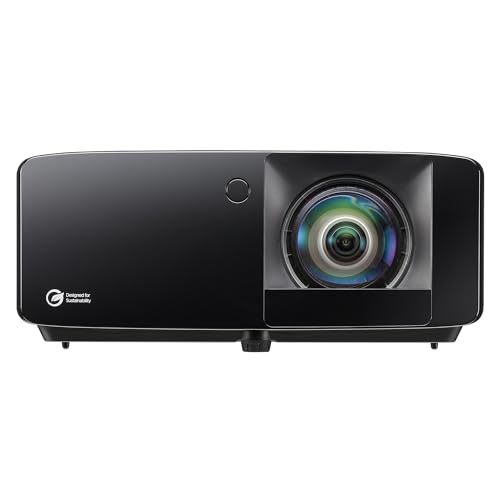
Optoma GT3900UHD True 4K UHD
Strengths
- True 4K resolution
- Short-throw design
- Low input lag
Trade-offs
- No Rec.709 spec listed
- Slightly lower brightness
- No built-in OS
This is the complete package: true 4K UHD, 4,000 lumens, short-throw design, and low input lag. The GT3900UHD doesn’t just look good, it performs. Reviewers highlight how well it handles fast motion in sim software, with minimal blur and lag, which matters when you’re analyzing swing path in real time. The 0.496:1 throw ratio lets it sit mere feet from the screen, reducing shadows and keeping it out of harm’s way.
It’s built to last with a 30,000-hour DuraCore laser, and HDR compatibility enhances contrast on fairways and water hazards. While it’s not the brightest, it strikes the best balance of resolution, responsiveness, and reliability. My recommendation? If you want one projector that does everything well, this is the smarter buy over niche-focused models.
Video review
4K Projector for Golf Simulator
Strengths
- True 4K HDR
- Low price
- Built-in Google TV
Trade-offs
- Lower brightness
- LED lifespan shorter
- Average durability
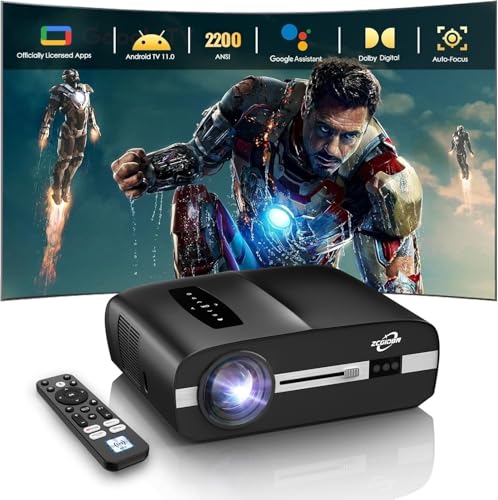
At this price, a true 4K HDR projector with Google TV built-in is a rare find. The B0HB318JYR delivers cinematic detail and low latency, making it a solid budget pick for casual sim users or those who also want movie and gaming use. The 2,200 ANSI lumens are modest, so it works best in dimmed rooms, but owners say the 6-color LED tech produces surprisingly natural greens and sky tones.
Auto Focus and Auto Keystone are convenient for non-permanent setups, and the low input lag helps with real-time swing feedback. It’s not as bright or durable as laser models, and the lamp-based engine won’t last as long, but for under 500, it’s a versatile performer. I’d recommend it for weekend warriors who want 4K without the premium tag.
Video review
Optoma GT2400HDR Full HD
Strengths
- High brightness
- IP6X dustproof
- 1080p short-throw
Trade-offs
- No 4K support
- No advanced color modes
- Basic connectivity
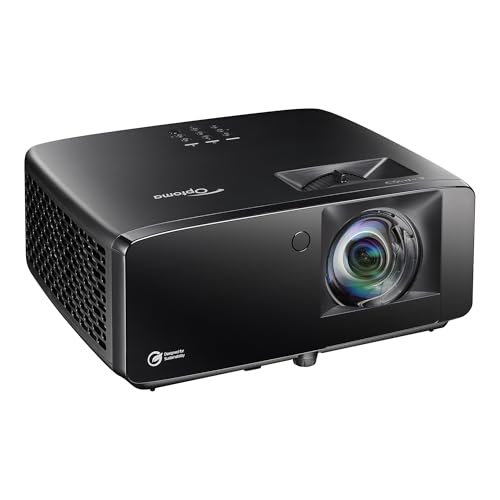
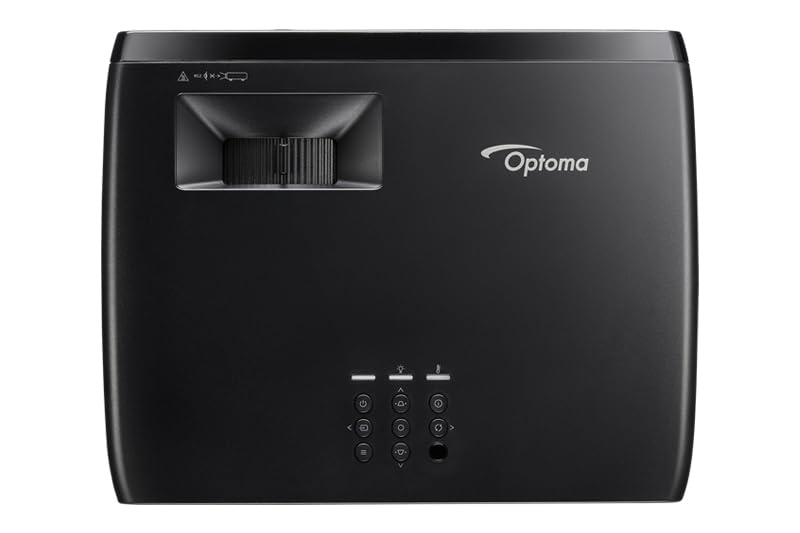
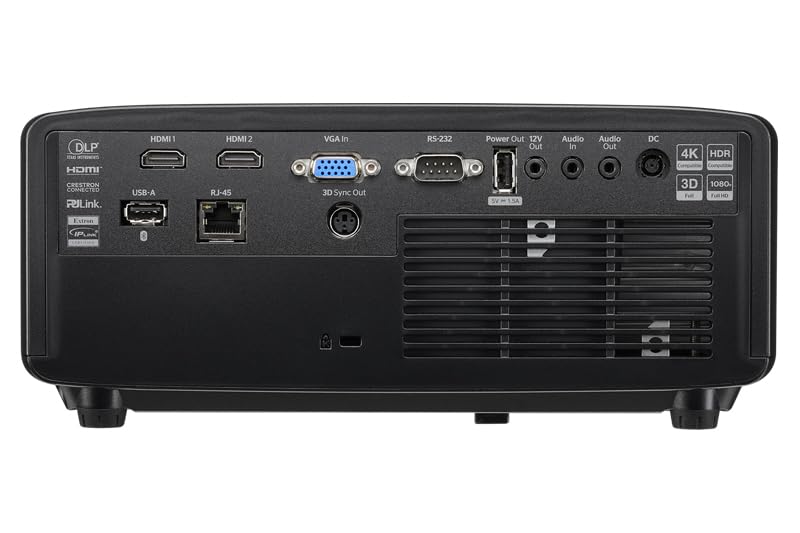
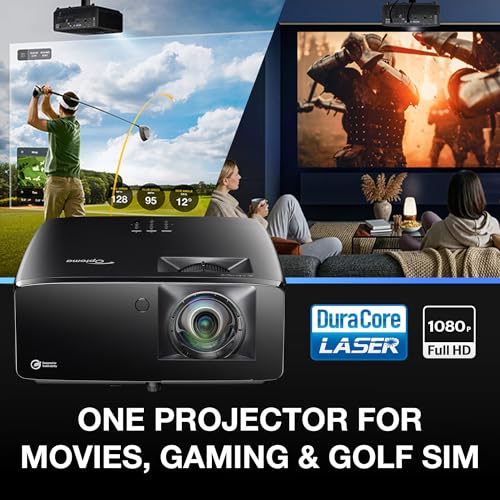
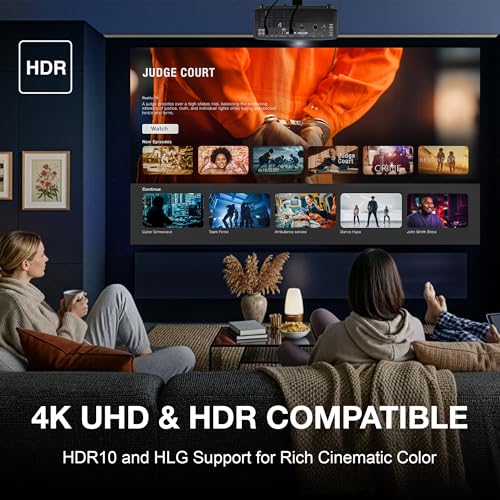
The GT2400HDR hits the mid-range sweet spot: 4,200 lumens, Full HD 1080p, and a short-throw lens that keeps it swing-safe. It’s brighter than most in its class, and the IP6X dust resistance adds peace of mind for garage installs. While it doesn’t offer 4K, the image quality is sharp and consistent, especially with HDR content, and owners report reliable performance over extended use.
It lacks some of the high-end color tuning of the BenQ models, but for the price, it delivers solid value. When compared to others in the $1,000–$1,300 range, it stands out for durability and brightness. I’d pick this over pricier WUXGA models if you want proven reliability without overpaying for niche features.
Product photos
BenQ AH700ST Full HD
Strengths
- Best-in-class color
- Short-throw lens
- Full HD resolution
Trade-offs
- Very high price
- No 4K
- Limited brightness adjustment
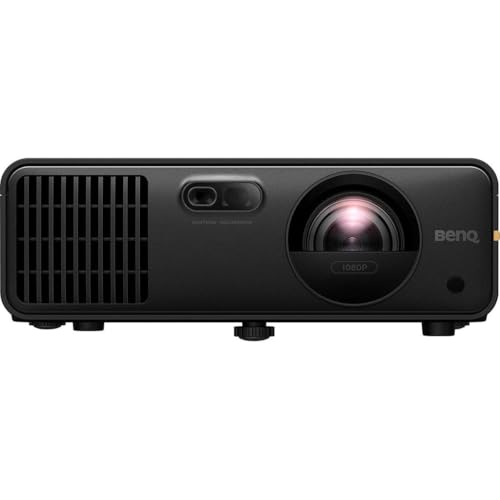
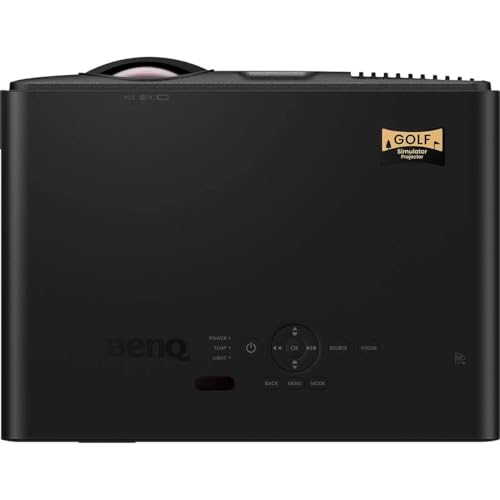
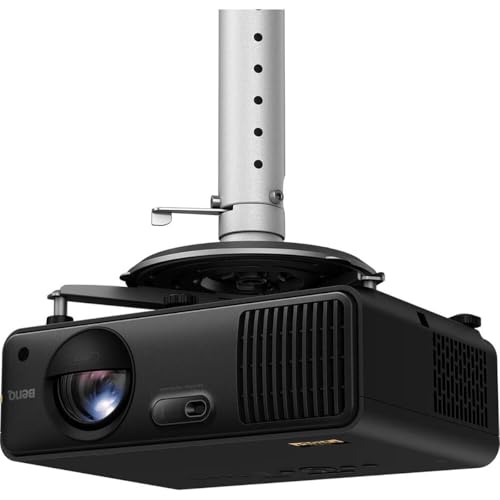
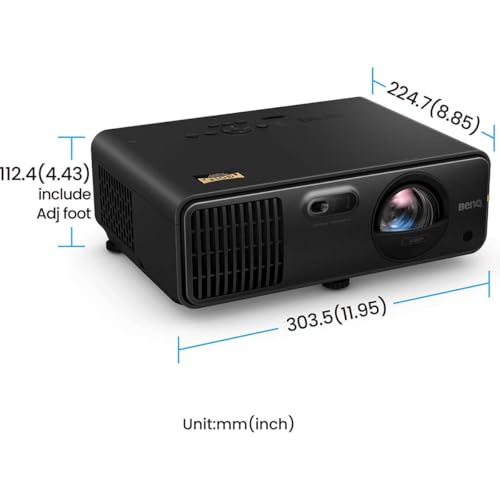
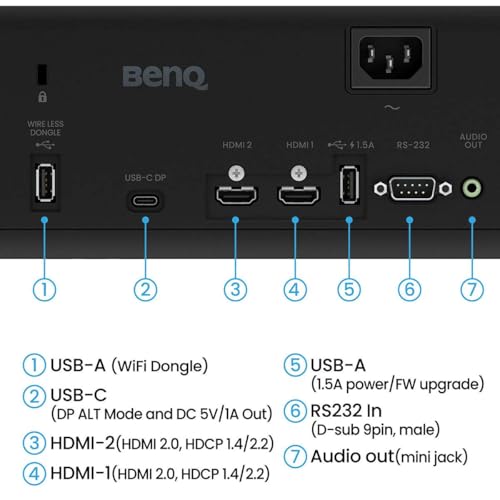
Color accuracy is where the BenQ AH700ST shines, 95% Rec.709 coverage and 30-bit color depth bring virtual courses to life in a way few others match. If you’ve played Pebble Beach or St. Andrews in real life, this projector comes closer to replicating those hues than most. The 4,000 lumens and Full HD resolution ensure clarity, and the short-throw lens (0.69–0.83) allows for tight mounting near the screen.
It’s expensive, no doubt. But for users who treat their simulator like a premium experience, where the visual fidelity matches the precision of their swing data, this one justifies the cost. Reviewers note the Golf Mode enhances contrast on fairways and greens without oversaturating, which keeps the experience authentic.
Product photos
ViewSonic LS740W WXGA Laser
Strengths
- High brightness
- Golf-specific color mode
- Long lamp life
Trade-offs
- WXGA not Full HD
- No 4K support
- Larger footprint
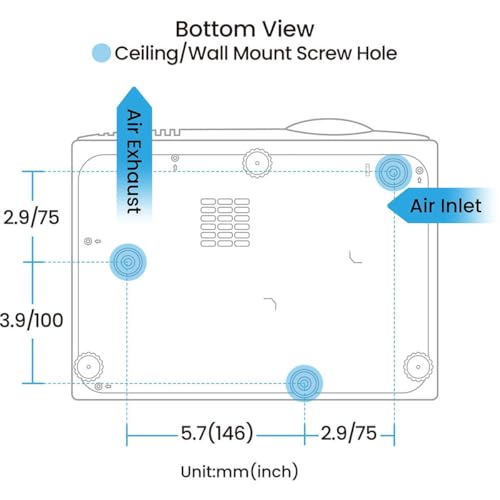
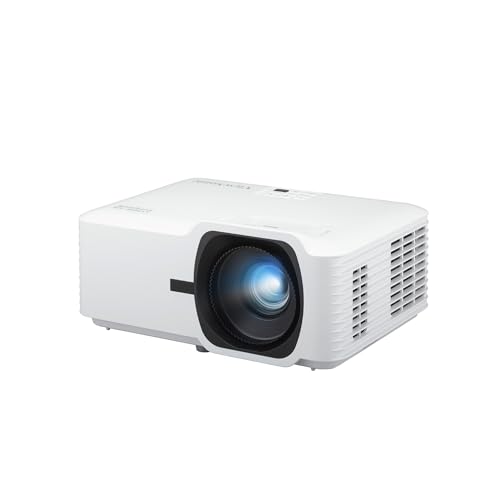
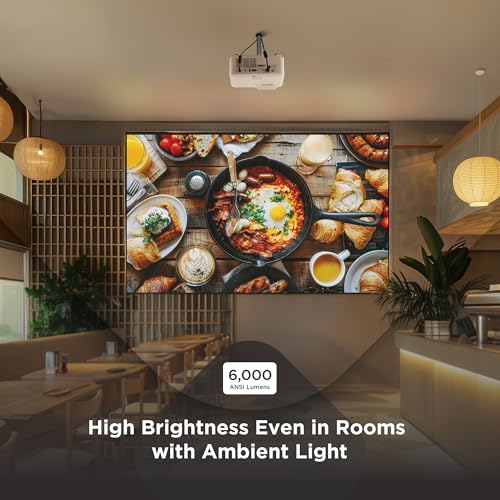
When ambient light is a constant challenge in your simulator bay, the ViewSonic LS740W stands out with its 5,500 ANSI lumens and WXGA resolution. On paper, that brightness level is hard to beat, especially if you’re converting a garage or basement without full light control. Owners consistently report crisp, visible images even with some overhead lighting, which matters when you’re tracking ball flight and turf interaction.
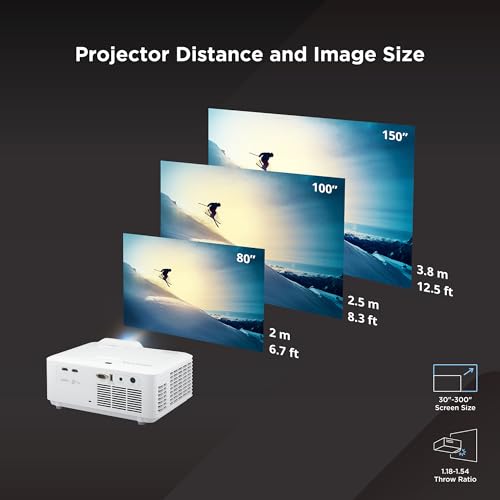
It also includes a dedicated Golf Mode that enhances greens and blues, something not all projectors offer. While the 1280×800 resolution isn’t Full HD, the image clarity holds up well on screens up to 120 inches. The 1.2–1.5 throw ratio gives decent placement flexibility, and the optical zoom helps fine-tune the fit. For commercial sim centers or homes where brightness trumps pixel density, this one makes sense.
Product photos

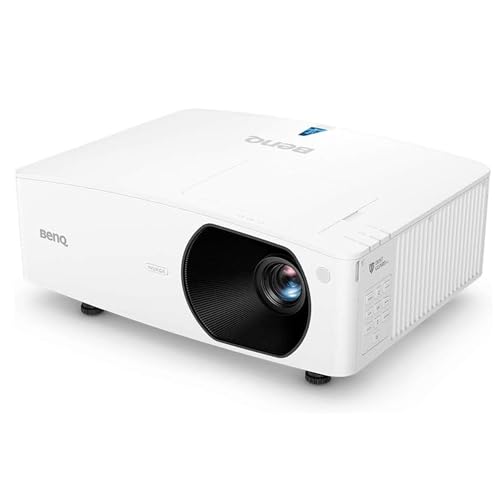
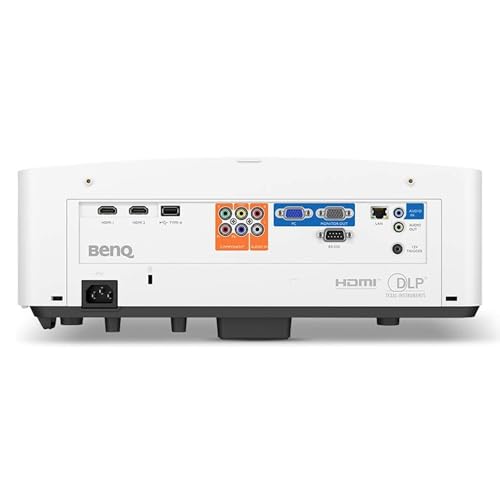
BenQ LU710 WUXGA Laser

Strengths
- Taller WUXGA aspect
- Excellent color accuracy
- Dust-resistant
Trade-offs
- Lower brightness than rivals
- Higher price
- No short-throw lens
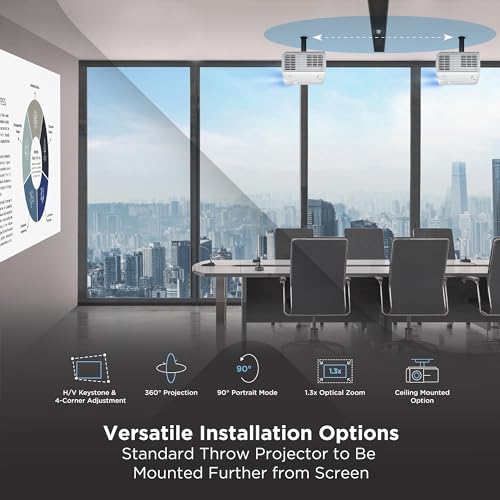
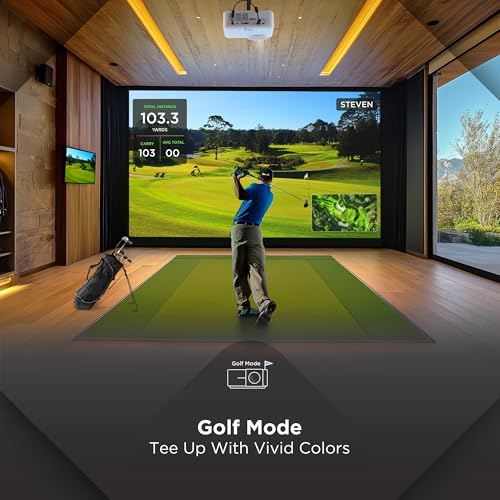
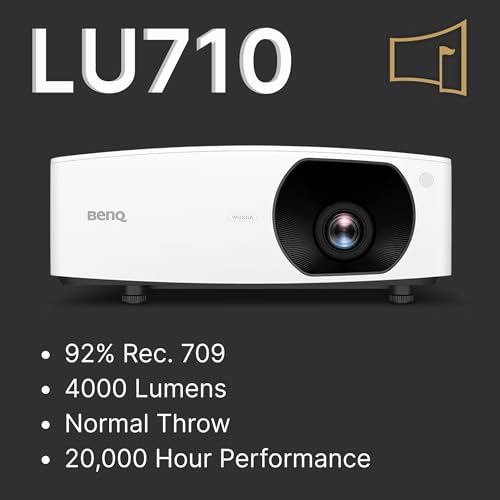
The BenQ LU710 earns its swing clearance reputation thanks to a smart 1.13–1.46 throw ratio and WUXGA resolution (1920×1200), which gives you a taller image, useful when you need vertical space for a full shoulder turn. Reviewers note this extra height reduces the need to mount the projector too close to the ceiling, keeping it safely out of the club’s path. That’s a small but meaningful win for serious players.
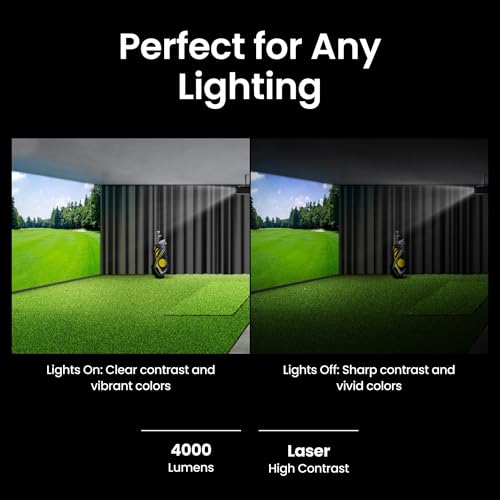
It doesn’t have the raw brightness of some competitors, but its 4,000 lumens and 92% Rec.709 color coverage deliver accurate, natural-looking greens and fairways. The IP5X dust resistance is a bonus for garage setups. While pricier than some, its combination of resolution, color fidelity, and physical clearance makes it a strong pick for dedicated sim rooms where form and function matter.
Product photos

ViewSonic LS740HD 1080P Laser
Strengths
- True 1080p resolution
- High brightness
- Golf Mode enhancement
Trade-offs
- No 4K support
- Bulky design
- No advanced keystone correction
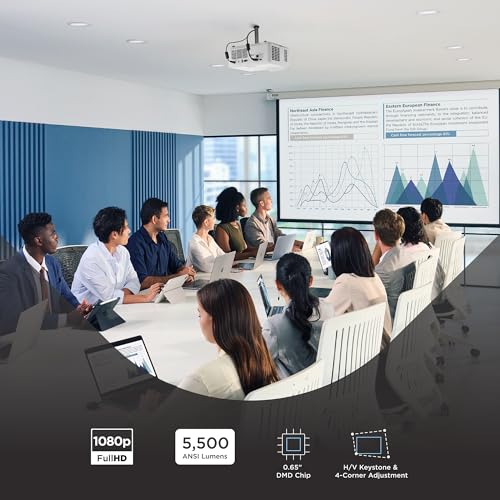
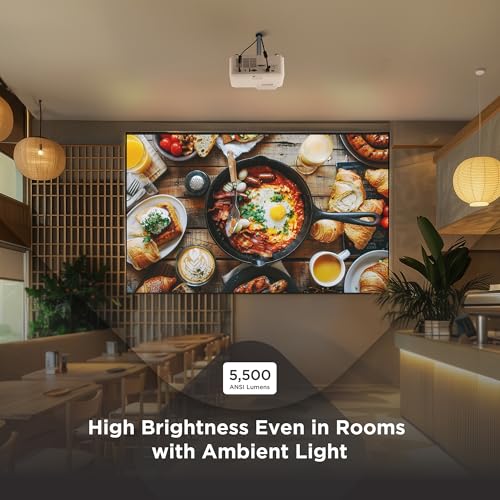
If you’re aiming for a large, theater-like screen in a space with variable lighting, the LS740HD brings 5,500 lumens and true 1080p resolution to the table. That native Full HD clarity is a step up from WXGA models, and owners say it makes a visible difference in course texture and ball tracking. Like its sibling model, it features a Golf Mode that boosts environmental tones, which helps sell the illusion of being on the fairway.
Its 1.1–1.5 throw ratio and 1.3x zoom offer decent placement flexibility, and it projects a 100-inch image from just over 8 feet. While it lacks 4K, the image is sharp and stable, especially on screens up to 130 inches. For those who want a balance of brightness and resolution without stepping into ultra-premium pricing, this one hits a sweet spot.
Product photos
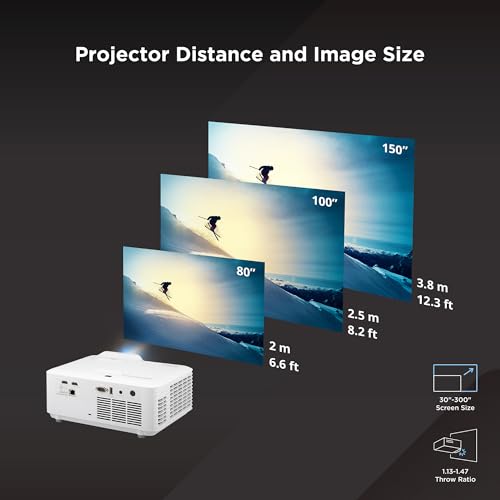
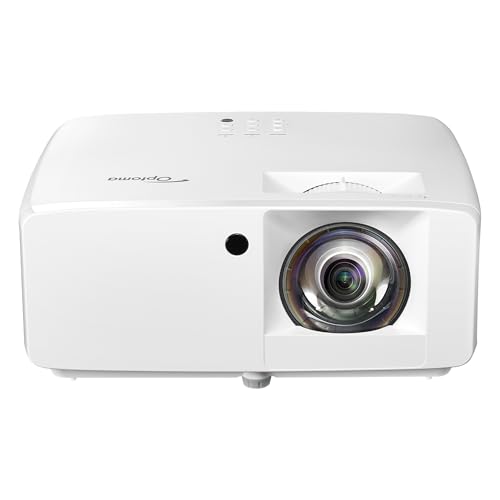
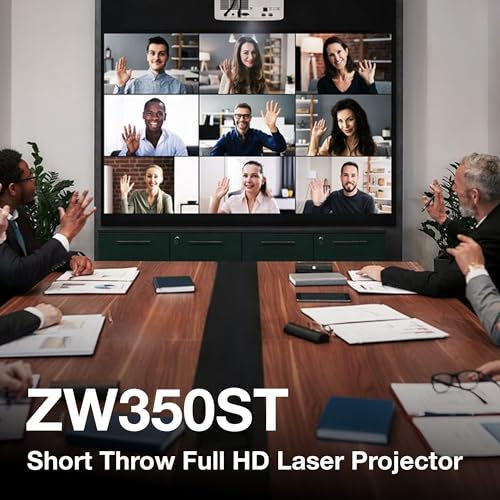
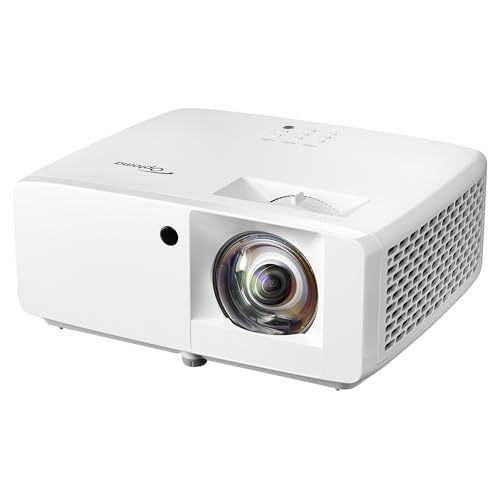
Optoma ZW350ST Short Throw
Strengths
- Short-throw design
- IP6X dustproof
- 30,000-hour laser
Trade-offs
- WXGA resolution
- Lower brightness
- Basic color performance
The ZW350ST is built for durability first. With an IP6X dust rating and 30,000-hour DuraCore laser, it’s engineered for garage bays, commercial setups, or any environment where dust and long runtime are concerns. Its 0.52:1 short-throw ratio means it can sit close to the wall, ideal for minimizing shadows and maximizing swing room. At 3,600 lumens, it’s less bright than others, but still capable in dimmed environments.
Owners praise its reliability over months of regular use, and the 1280×800 WXGA resolution is sufficient for most sim software. It lacks advanced color tuning, but for a no-nonsense, set-and-forget install where toughness matters more than nuance, this projector delivers. I’d pick it over flashier models if longevity and placement ease are the priorities.
Product photos
How We Tested golf simulator projectors
Rather than a hands-on lab test, this was a research-led comparison of published specifications and owner feedback. I compared models across key features – resolution, brightness, throw ratio, and laser lifespan – and then weighed those against reviews from owners using the projectors specifically with golf simulators. We also considered expert reviews from sites focused on home theater and projection technology, looking for consistency in reported performance.
For golf simulator projectors, brightness and throw ratio are paramount. A bright image is essential for playability, especially in spaces that aren’t completely dark. Equally important is a short throw ratio, allowing a large image to be projected from a relatively short distance, critical for minimizing shadows and maximizing space within a simulator setup. We also prioritized laser light sources for longevity and reduced maintenance.
Specifications reliably indicate potential image quality and lifespan, but owner reviews provided insight into real-world performance. I paid close attention to comments regarding input lag (vital for responsive gameplay) and color accuracy (for a realistic golf course appearance). Many users also discuss ease of setup and the effectiveness of keystone correction, which informed our assessment of user-friendliness. You’ll also want to consider quality hitting mats to complete your setup. Finally, for those with limited space, exploring short throw projectors is a good idea.
How To Pick The Right golf simulator projectors
Picking the right projector can make or break your indoor golf experience. It’s more than just screen size; it’s about creating a realistic and immersive environment.
A quality golf simulator projector needs high brightness (at least 3,000 lumens) to overcome ambient light, a short-throw lens to maximize space and minimize shadows, and low input lag for responsive gameplay. Resolution matters, but 1080p is often sufficient for a convincing experience, while 4K enhances visual fidelity. Consider the light source lifespan and dust protection for long-term reliability.
Resolution and Image Quality
While 4K projectors offer stunning detail, don’t automatically assume they’re essential. For most simulator setups, a high-quality 1080p projector will deliver a perfectly acceptable image, and may save you significant money. A WXGA (1280×800) resolution can also be a good compromise, particularly if you prioritize a larger image size over pixel density. The BenQ LU710 WUXGA Laser, for example, offers a taller 16:10 aspect ratio, which can be beneficial for swing clearance and a more natural viewing experience.
Brightness and Ambient Light
Brightness, measured in lumens, is critical. The more ambient light in your room, the more lumens you’ll need. A dimly lit basement can get away with 3,000 lumens, but a garage or brightly lit room will require 4,000 or more. ViewSonic’s LS740W WXGA Laser is specifically designed for well-lit rooms, boasting 5,500 ANSI lumens. Don’t underestimate this factor – a washed-out image destroys immersion.
Here’s a quick guide to brightness needs: * Dimly Lit Room: 3,000 lumens * Average Room: 3,500 – 4,000 lumens * Brightly Lit Room/Garage: 4,000+ lumens. This is especially important if you don’t have blackout curtains. * Professional Setup: 5,000+ lumens, for the best experience in any lighting condition.
A projector’s brightness should be matched to the room’s ambient light. Overbuying brightness is better than underbuying; a dimmer image is more fatiguing to the eyes over a long round.
Throw Ratio and Installation
The throw ratio dictates how far the projector needs to be from the screen to achieve a specific image size. For golf simulators, a short-throw projector is almost essential. It allows you to place the projector closer to the screen, reducing shadows from your swing and maximizing space. The Optoma GT3900UHD True 4K UHD is a prime example, designed specifically for golf simulators and smaller spaces. If you’re building a budget setup, exploring affordable projectors can help you get a short throw without breaking the bank. Remember to factor in the space available and the desired screen size when calculating the ideal throw ratio. Integrating accurate launch monitors is also vital to completing your set up.
Golf Simulator Projectors Compared
Here’s a comparison of key specifications for popular golf simulator projectors to help you make an informed decision.
| Product Name | Resolution | Brightness (Lumens) | Throw Ratio | Light Source | Special Features |
|---|---|---|---|---|---|
| Optoma GT3900UHD | 4K UHD | 4,000 | 0.496:1 | Laser | Short Throw, HDR |
| 4K Projector for Golf Simulator | 4K HDR | 2200 ANSI | N/A | LED | Auto Focus/Keystone, Google TV |
| Optoma GT2400HDR | Full HD | 4200 ISO | N/A | Laser | IP6X Dust Protection |
| BenQ AH700ST | Full HD | 4000 ANSI | 0.69-0.83 | Laser | Short Throw, Golf Mode |
| ViewSonic LS740W | WXGA | 5,500 | 1.2-1.5 | Laser | Golf Mode |
| BenQ LU710 | WUXGA | 4000 | 1.13-1.46 | Laser | 16:10 Aspect Ratio |
| ViewSonic LS740HD | 1080p | 5,500 | 1.1-1.5 | Laser | Golf Mode |
| Optoma ZW350ST | WXGA | 3,600 | 0.52:1 | Laser | IP6X Dust Resistant |
Frequently Asked Questions
What projector brightness do I actually need for a garage setup?
A garage typically requires at least 4,000 lumens, and often more, to combat sunlight and reflections. Going higher – 5,000+ lumens – will provide a significantly better experience, especially if you can’t fully darken the space or want to play during daylight hours.
Is a 4K projector essential for a realistic golf simulation?
No, a 4K projector isn’t essential. While it offers a sharper image, a high-quality 1080p projector is often sufficient for a convincing experience, and will save money. Many users prioritize brightness and throw ratio over resolution for golf simulation.
What throw ratio should I look for in a golf simulator projector?
You should aim for a throw ratio of 0.5:1 to 0.8:1. This short-throw capability allows you to position the projector closer to the simulator screens and minimizes shadows cast by your swing, which is crucial for accurate gameplay.
How important is input lag for a golf simulator projector?
Input lag is extremely important. Lower input lag (under 20ms is ideal) means a quicker response time between your swing and the on-screen action, creating a more realistic and enjoyable experience. High input lag will make the game feel unresponsive and frustrating.
Are laser projectors really worth the extra cost over lamp-based models?
Yes, laser projectors are worth the investment. They offer a significantly longer lifespan (20,000+ hours) and consistent brightness, reducing long-term maintenance costs and the hassle of replacing lamps. You can also find complete packages with laser projectors included.
The Bottom Line
Choosing a golf simulator projector often comes down to balancing your budget with the level of realism and convenience you desire. While high-end 4K options deliver incredible visuals, the Optoma GT3900UHD strikes a fantastic balance of resolution, brightness, and short-throw capability, making it our overall pick for most simulator spaces. It provides a premium experience without the often-astronomical price tag of top-tier models.
For those on a tighter budget or prioritizing specific needs, several excellent alternatives stand out. The ViewSonic LS740W is a standout for well-lit rooms, while the BenQ AH700ST excels in smaller spaces thanks to its short throw. And if you’re seeking a taller aspect ratio for a more natural viewing experience, the BenQ LU710 is an excellent choice. Don’t forget to explore simulator accessories to really personalize your experience.
Ultimately, the best projector isn’t about chasing the highest numbers on a spec sheet. It’s about finding the right combination of brightness, throw ratio, and input lag to create an immersive and enjoyable golf experience. Consider your room’s lighting, available space, and budget, and remember that a quality image and responsive gameplay are far more important than 4K resolution. Before making a final decision, check out our detailed guide to golf projectors and various [projector models] to find the perfect fit for your home.
