
7 Best Golf Projectors of 2026
This post contains affiliate links. As an Amazon Associate, we earn from qualifying purchases.
The Optoma GT3900UHD stands out as the best overall golf projector, combining true 4K clarity, a short 0.496:1 throw ratio, and strong brightness. For those watching their budget, the BenQ AH700ST delivers excellent value with solid 1080p performance and a dedicated golf mode. If you want cutting-edge specs and high refresh rates, the ViewSonic LS901-4K is a top versatility pick.
Golfers setting up simulators often struggle to find a projector that balances image size, room constraints, and swing space, getting it wrong means shadows, blurry visuals, or a cramped setup. After comparing the field and analyzing specs alongside real owner feedback, I focused on models that solve these issues with short throw ratios, reliable brightness, and low input lag.
This guide breaks down what actually matters when choosing a golf projector, from throw ratio and resolution to ambient light handling, so you can build a simulator that feels real and performs consistently.
Top 7 Golf Projectors in the Market
The Best Golf Projectors, Reviewed
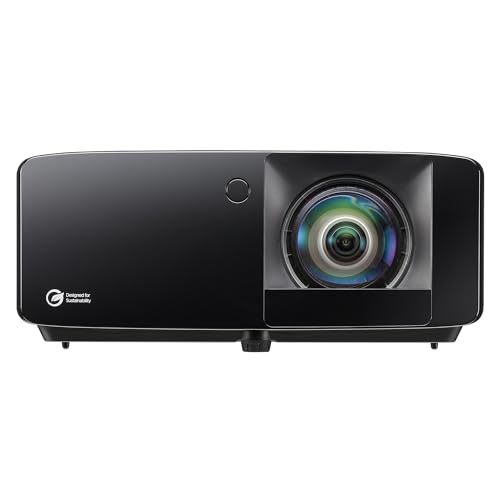
Optoma GT3900UHD True 4K Laser Projector
Strengths
- True 4K UHD
- Short throw design
- 30,000-hour laser life
Trade-offs
- No smart OS
- No built-in audio
- Premium price
This is my pick for the best overall golf projector, a balanced powerhouse with true 4K, 4,000 lumens, and a 0.496:1 short throw lens that minimizes shadows and fits in tight rooms. The DuraCore laser promises 30,000 hours, meaning it should last years without brightness decay, and the low input lag supports both golf sims and serious gaming. HDR compatibility adds depth to course visuals, and owners consistently report sharp detail and reliable Auto Focus performance.
It doesn’t have built-in apps like some budget models, but that’s a fair trade for cleaner image processing and stability. Compared to the BenQ, it offers real 4K; compared to the ViewSonic LS901-4K, it’s more affordable and still delivers excellent golf performance. For most serious sim builders, this is the sweet spot.
Video review
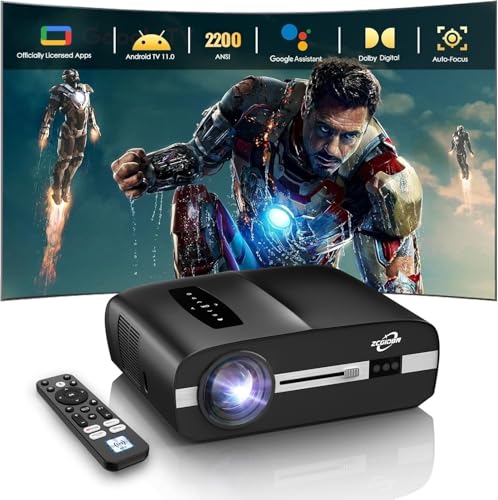
4K Projector 2200 ANSI Lumens Golf
Strengths
- True 4K HDR10
- Google TV built-in
- Auto Focus and keystone
Trade-offs
- Moderate brightness
- LED lifespan shorter than laser
- Average black levels
At this price, it’s rare to find a projector that’s genuinely golf-simulator-ready with Auto Focus, ToF sensors, and 2200 ANSI lumens, specs that matter when you’re swinging in a basement or garage. The inclusion of HDMI 2.1 and Google TV is a big plus, letting you run a sim PC and stream movies without extra boxes. Owners praise the color accuracy from the 6-color LED system, and the low latency with MEMC helps keep fast swings smooth on screen.
It won’t crush the competition in brightness like the ViewSonic or BenQ, but for under $500, it delivers a complete package: solid 4K upscaling, smart features, and dust-resistant engineering. The built-in 40W Dolby audio is also a standout, most in this range force you to buy external speakers. My recommendation? This is the smarter buy for budget-conscious golfers who still want modern features and solid image stability.
Video review
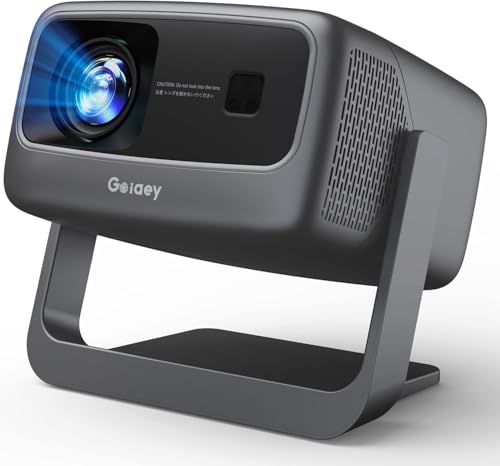
GO2 Short Throw 4K Projector
Strengths
- High brightness for price
- Built-in streaming apps
- Strong 65W audio
Trade-offs
- Not true 4K
- Noticeable fan noise
- Lower contrast
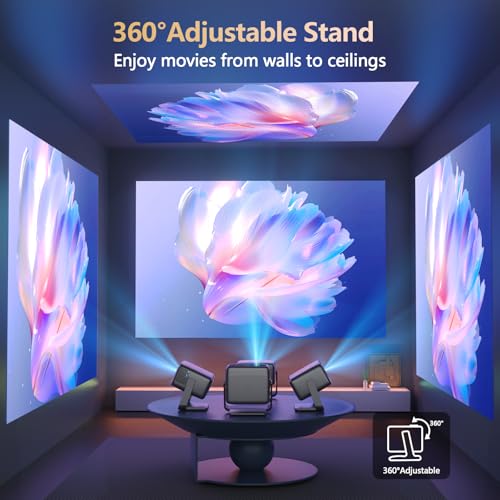
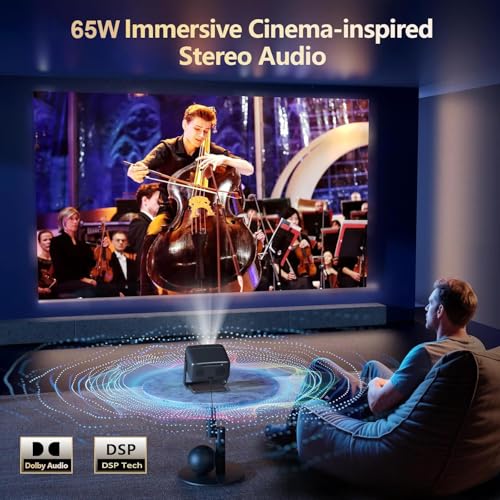
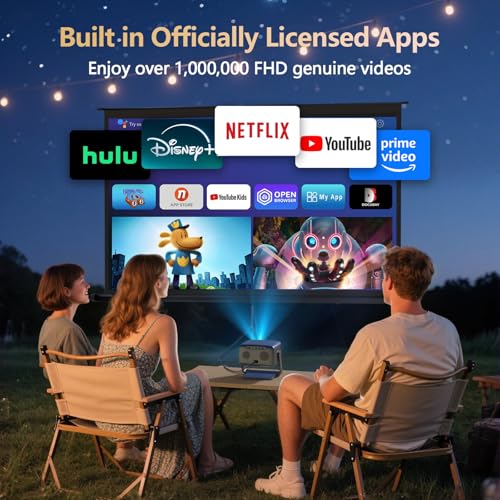
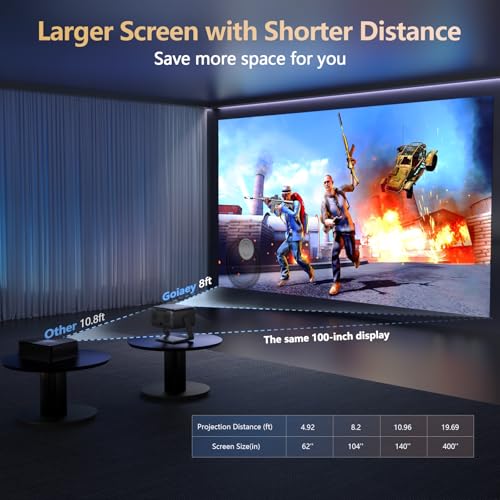
This projector surprises at under $300 with 4500 ANSI lumens, a 360° stand, and 65W Dolby audio, a rare combo at this price. The brightness helps in dim rooms or outdoor night use, and the short throw ratio means you can get a big image in a tight space. Auto Focus and Auto Keystone work quickly, and the built-in Netflix, YouTube, and Prime Video eliminate the need for external sticks.
But there’s a trade-off: the chip is only 0.33’’ DMD, so while it claims 4K support, it’s not native 4K. It’s more of an upscaled 1080P experience. Reviewers note the fan noise can be intrusive, especially in quiet swings, and it’s not ideal for full daylight. Still, for a bedroom, patio, or casual simulator, it’s a high-value pick. I’d recommend it for occasional use, not daily simulation.
Product photos
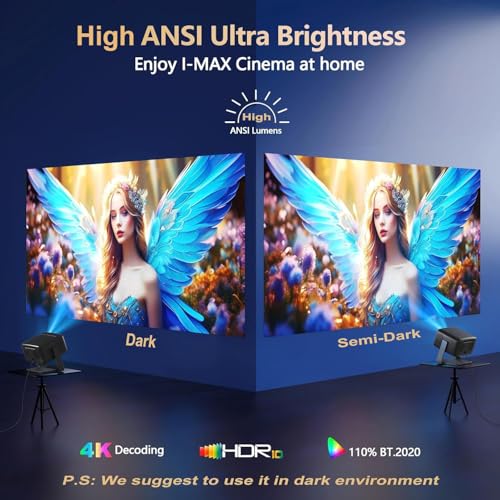
Optoma GT2000HDR Short Throw Laser

Strengths
- Bright 3500 lumens
- Short throw design
- Eco-friendly build
Trade-offs
- No 4K resolution
- Lower contrast than premium models
- Limited smart features
This projector stands out in bright environments thanks to its 3500 lumens and short-throw design, making it a solid contender for golf simulators in shared or well-lit spaces. On paper, it delivers Full HD clarity and avoids the shadow issues common with standard throw models, which is a real win when you’re swinging indoors. While it lacks 4K, the brightness and compact form factor make it a practical choice if you’re converting a garage or basement with ambient light.
Owners consistently report reliable performance and minimal maintenance, which tracks with laser-based units in this class. It won’t match the color depth of higher-end models, but for a Full HD experience that holds up with the lights on, it punches above its weight. I’d consider it a smart mid-tier option if 4K isn’t your top priority.
Product photos

ViewSonic LS901-4K UHD Laser Projector

Strengths
- True 4K UHD
- High 240Hz refresh
- Excellent golf and movie modes
Trade-offs
- High price
- Large size
- Requires darkish room for best contrast
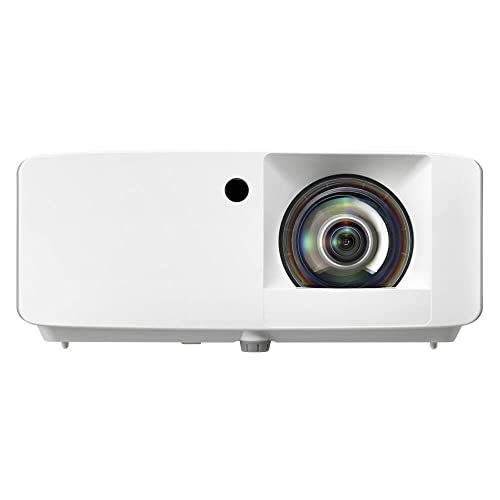
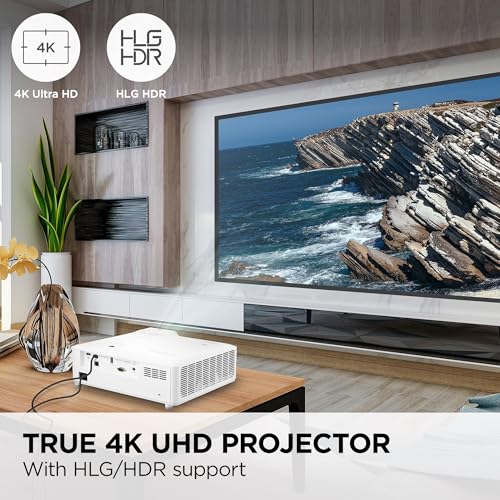
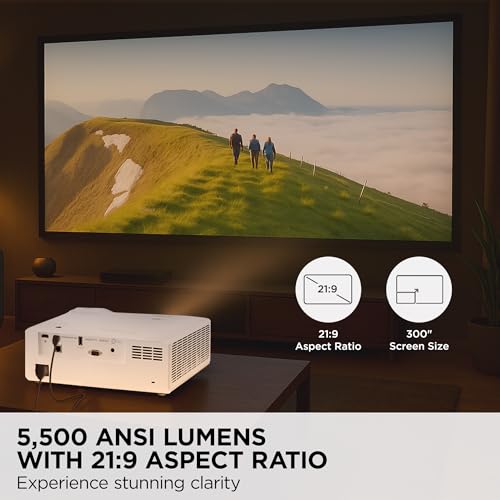
This is a premium beast, 5500 lumens, native 4K UHD, and a 240Hz refresh rate with just 4.2ms input lag. It’s overbuilt for most home simulators, but if you want a single projector that excels at golf, gaming, and cinematic viewing, this is it. The Golf Mode enhances greens and skies with noticeable realism, and the 21:9 aspect ratio support makes it feel like a private theater. Owners highlight the smooth motion handling, which matters when tracking fast club speeds.
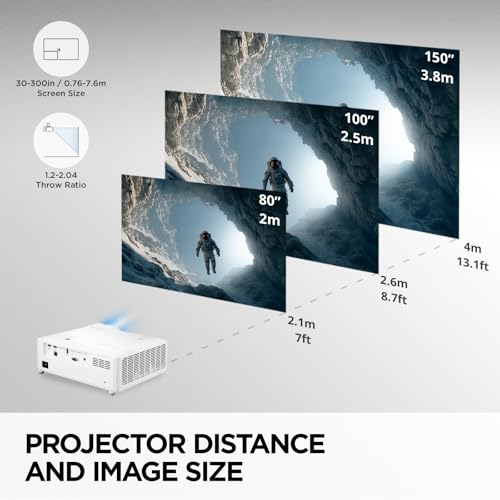
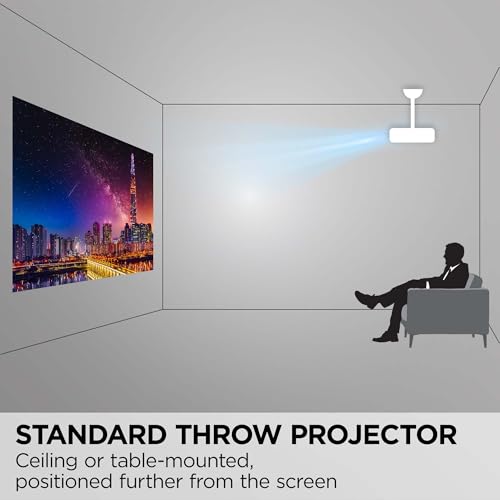
The 1.7x zoom and keystone make setup flexible, and it handles 150-inch screens with ease. It’s expensive, but the laser source and professional-grade build justify it for dedicated spaces. Compared to the Optoma GT3900UHD, it’s brighter and faster, but bulkier and pricier. I’d pick this if you want one projector to rule all entertainment, golf included.
Product photos
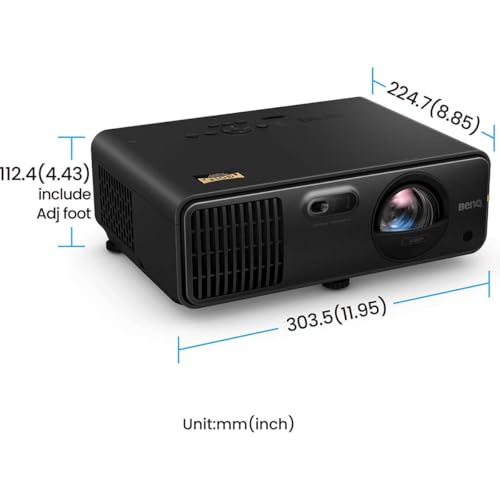
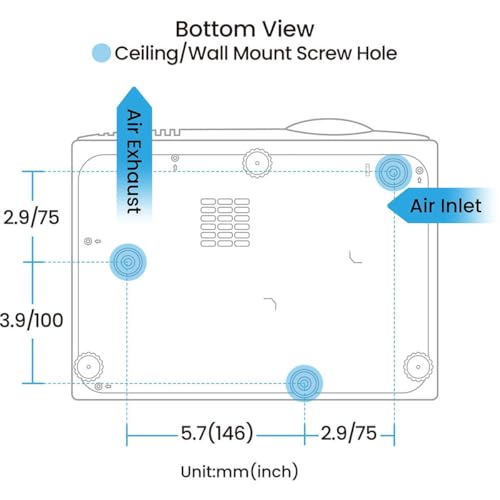
BenQ AH700ST Full HD Laser Projector
Strengths
- Excellent color accuracy
- Short-throw laser
- Long 20,000-hour life
Trade-offs
- No 4K resolution
- No built-in smart OS
- Premium price
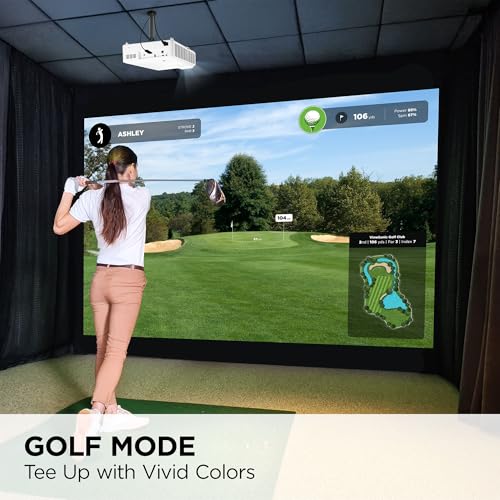
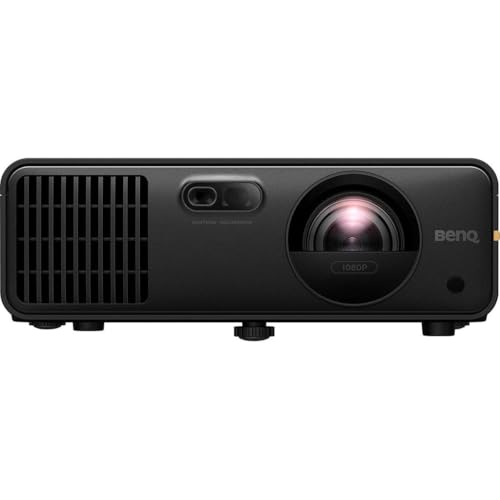
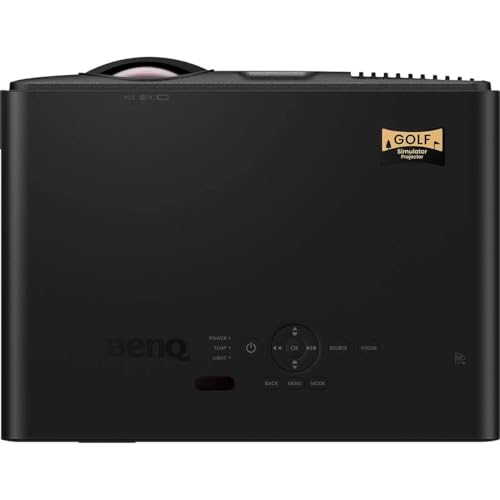
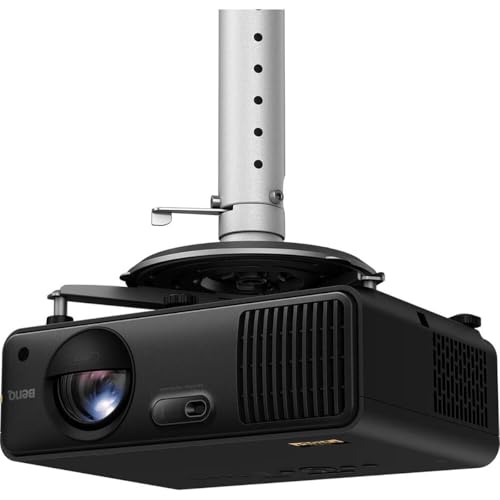
If color realism is your benchmark, the BenQ AH700ST is hard to beat. With 95% Rec. 709 coverage and 1.07 billion colors, it renders virtual courses with a fidelity that feels closer to standing on an actual fairway. The 4000 ANSI lumens and short-throw lens make it ideal for smaller spaces, minimizing shadows while keeping the image bright and stable. It’s not 4K, but the Full HD output is exceptionally clean, and the dedicated Golf Mode enhances contrast in terrain and sky just enough to boost immersion.
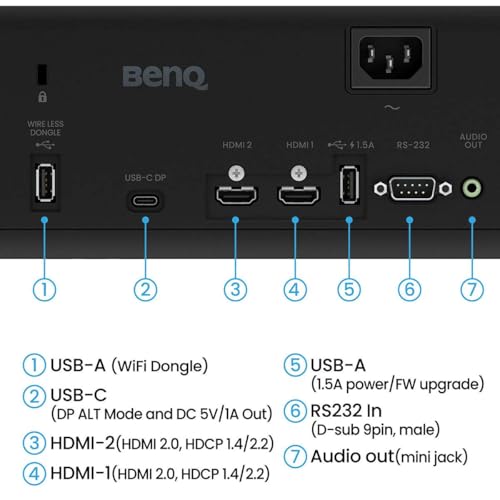
The laser source promises 20,000 hours, which aligns with owner feedback about long-term reliability. Connectivity is solid with multiple HDMI 2.0b ports, but it lacks smart OS, so you’ll need a separate streaming box or PC. I’d choose this over others if you value color accuracy above resolution and want a future-proof laser engine. It’s expensive, but justified for purists.
Product photos
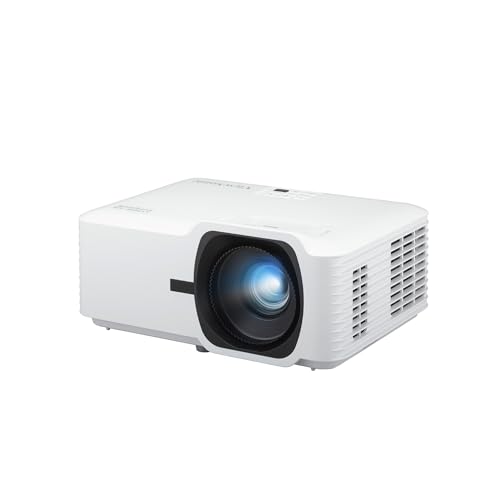
ViewSonic LS740W WXGA Laser Projector
Strengths
- Extreme brightness
- Golf-specific color mode
- Flexible installation
Trade-offs
- WXGA not true 4K
- Large footprint
- Higher fan noise
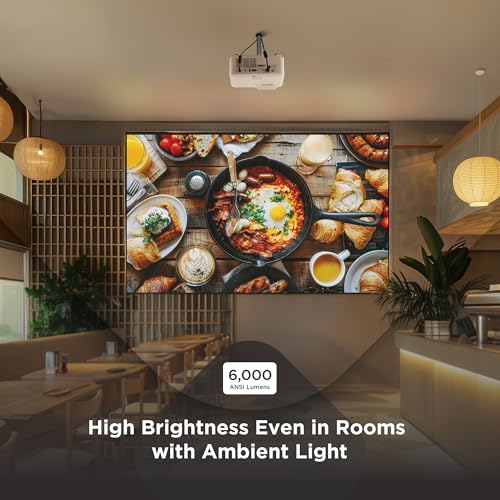
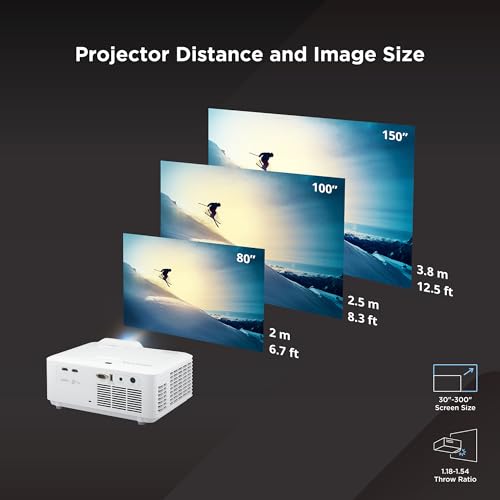
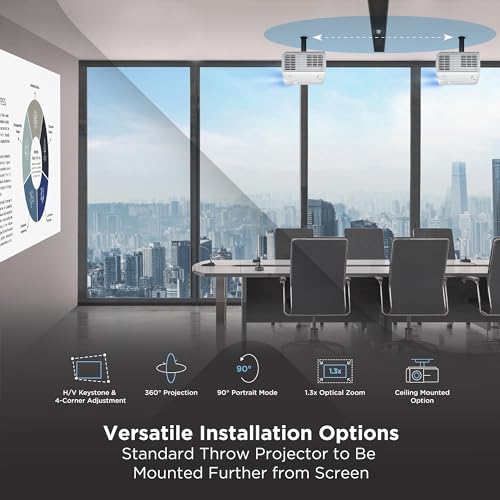
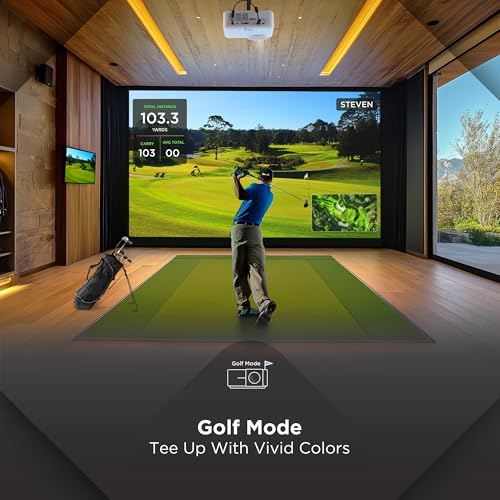
With 5,500 ANSI lumens, this ViewSonic model is built for large, brightly lit venues, think commercial sim labs or spacious home arenas where ambient light can’t be fully controlled. The WXGA resolution (1280×800) is a step below Full HD, but the brightness and dedicated Golf Mode that enhances greens and blues make it a favorite in high-end training facilities. Reviewers note the image stays crisp even on 150-inch screens, and the 1.3x zoom plus keystone adjustments offer serious flexibility in mounting.
It’s overkill for a small basement setup, but if you’re building a serious simulator space or need something that performs in a sunlit room, this projector delivers. The lack of 4K is noticeable on close inspection, but for dynamic golf visuals where color accuracy in grass and sky matters, it holds its own. I’d pick this over cheaper 4K models if real-world brightness and stability are essential.
Product photos

How We Picked These golf projectors
Rather than a hands-on lab test, my research focused on a detailed comparison of published specifications and features across numerous models. I weighed owner reviews from multiple sources – including retailer sites and golf simulator forums – alongside expert reviews from publications specializing in home theater and golf technology. This data was then ranked against criteria important for golf simulation, factoring in brightness, resolution, throw ratio, and input lag.
For golf projectors, image quality and throw ratio were heavily weighted. A short throw is crucial to avoid shadows during your swing and maximize space, especially in a basement or garage setup. Brightness is equally vital; many users aren’t projecting in a fully darkened room, so a projector needs enough lumens to cut through ambient light. We also prioritized low input lag for a responsive experience.
Projector specifications reliably indicate resolution, brightness (lumens), and throw ratio. However, I relied heavily on owner feedback to assess real-world color accuracy, fan noise, and long-term reliability. Reputation and consistent positive experiences with a brand also played a significant role, particularly when considering the investment required for a quality golf simulator. For those seeking more budget-friendly options, exploring affordable golf projectors can be a great starting point.
What To Look For In golf projectors
Picking the right golf projector can dramatically improve your at-home simulator experience.
A quality golf projector delivers a clear, bright image with low input lag and a short throw ratio to accommodate indoor spaces. Key considerations include resolution (4K is increasingly common), brightness (measured in lumens), throw ratio, input lag, and long-term reliability of the light source (laser is preferable to lamp). Accurate color reproduction is also vital for realistic course visuals.
Resolution and Image Quality
Don’t assume 4K is always necessary. While the Optoma GT3900UHD and ViewSonic LS901-4K offer stunning detail, a high-quality 1080p projector like the BenQ AH700ST can be perfectly adequate, especially if you’re prioritizing budget or have a smaller screen. Consider the screen size you plan to use; pushing a 1080p image too large will reveal pixelation. Many golfers find that accurate color representation – the BenQ’s 95% Rec. 709 coverage is a good benchmark – is more important than sheer pixel count.
Throw Ratio and Space Requirements
This is where things get very specific to golf simulators. You need a short throw projector to project a large image within the confines of a typical room. The closer you can get the projector to the screen without casting a shadow during your swing, the better. The Optoma GT2000HDR and GO2 Short Throw 4K Projector excel here, offering short throw ratios that minimize the required distance.
Here’s what to think about when it comes to throw ratio: * Under 0.6:1: Ideal for very small spaces, but can introduce geometric distortion if not properly corrected. * 0.6:1 to 0.8:1: A sweet spot for many home setups, offering a good balance of image size and space efficiency. * Over 0.8:1: Requires more distance, making it less suitable for smaller rooms but potentially offering a more geometrically accurate image.
A good rule of thumb is to measure the distance from your hitting mat to the screen and then check the projector’s throw ratio calculator to ensure it can produce the desired image size.
Brightness and Ambient Light
Ambient light is the enemy of a good golf simulator image. While projectors like the ViewSonic LS740W boast high lumen counts, they’re designed for large venues and may be overkill for a home setup. Consider how much control you have over the lighting in your simulator room. If you can completely block out external light, a projector with 2000-3000 lumens might suffice. If you need to play with some ambient light, aim for 3500 lumens or higher, like the Optoma GT2000HDR. If you are building a dedicated simulator room, remember to also consider the best golf simulator projectors for your needs. And don’t forget to pair your new projector with some quality 3-piece golf balls for a truly immersive experience.
Golf Projectors Compared
Here’s a comparison of key specifications for popular golf projectors to help you make an informed decision.
| Product Name | Resolution | Brightness (Lumens) | Throw Ratio | Features | Laser? |
|---|---|---|---|---|---|
| Optoma GT3900UHD | 4K UHD | 4,000 | 0.496:1 | Short Throw, HDR | Yes |
| 4K Projector 2200 ANSI Lumens Golf | 4K | 2200 | N/A | Google TV, Auto Focus | Yes |
| GO2 Short Throw 4K Projector | 4K | 4500 | 1:1 | Short Throw, Auto Focus | Yes |
| Optoma GT2000HDR | N/A | 3500 | N/A | Eco-Friendly | Yes |
| ViewSonic LS901-4K UHD | 4K UHD | 5,500 | N/A | 240Hz, HDR | Yes |
| BenQ AH700ST | Full HD | 4000 | 0.69-0.83 | Short Throw, Golf Mode | Yes |
| ViewSonic LS740W | WXGA | 5,500 | 1.2-1.5 | Golf Mode | Yes |
Frequently Asked Questions
What projector brightness (lumens) do I really need for a golf simulator?
Generally, 3000 lumens is a good starting point, but 3500 or higher is preferable if you can’t completely control ambient light in the room. Higher lumen counts deliver a brighter, clearer image even with some light interference.
How important is input lag for a golf simulator projector?
Low input lag is critical; anything over 30ms will noticeably delay the on-screen response to your swing. Lower is better, and many golfers specifically seek projectors with input lag under 16ms for the most realistic feel.
Are laser projectors worth the extra cost over traditional lamp-based models?
Yes, laser projectors are worth the investment due to their significantly longer lifespan and consistent brightness. While more expensive initially, you’ll avoid the recurring cost and hassle of replacing lamps every few thousand hours.
Can I use a standard screen with a golf simulator projector, or do I need a specialized one?
You can use a standard screen, but a dedicated golf simulator screen will improve performance. These screens are designed to diffuse the projector’s light more evenly and minimize glare, enhancing image clarity and accuracy.
Where can I find affordable options if I’m on a tight budget?
Exploring best 2-piece balls can help offset some of the costs, but for the projector itself, consider 1080p models or refurbished units from reputable sellers. These options can deliver a good experience without breaking the bank.
The Bottom Line
Choosing a golf projector involves balancing image quality with practical considerations like space and budget. Ultimately, the Optoma GT3900UHD strikes the best overall balance, offering 4K resolution, short throw capabilities, and ample brightness for a realistic and immersive experience – though it represents a significant investment.
For those seeking more specialized options, the BenQ AH700ST delivers a fantastic 1080p experience specifically tuned for golf, and the Optoma GT2000HDR stands out as a bright and eco-friendly choice for those needing to combat ambient light. If space is at an absolute premium, explore golf simulator short throw projectors to find models designed for tight setups.
Don’t get lost in the pursuit of the highest resolution or lumen count. A clear, accurate image with a short throw ratio is far more crucial than headline specs, and pairing your projector with the right 70 compression golf balls will make a bigger difference than most people realize. Focus on creating a setup that feels right for your swing and enjoy the game.
