
9 Best Short Throw Projectors for Golf Simulator 2026
This post contains affiliate links. As an Amazon Associate, we earn from qualifying purchases.
This post contains affiliate links. As an Amazon Associate, we earn from qualifying purchases.
The Optoma GT3900UHD stands out as the best short throw projector for golf simulators, delivering sharp 4K clarity and strong brightness in a true short throw design. For those on a tighter budget, the BenQ AH700ST offers excellent value with reliable performance and a dedicated golf mode, while the ViewSonic LS740HD is a solid versatility pick thanks to its high brightness and flexible placement.
Choosing the right projector can make or break your golf simulator experience. Too much distance from the screen, and your swing casts shadows. Not enough brightness, and the image fades into the background. After comparing the field and reviewing owner feedback, I focused on models that balance throw ratio, brightness, and durability for real home setups.
This guide cuts through the specs to highlight projectors that actually perform in simulator bays, prioritizing short throw capability, lumen output, and long-term reliability based on design and user reports.
Top 9 Short Throw Projectors For Golf Simulator in the Market
The Best Short Throw Projectors For Golf Simulator, Reviewed
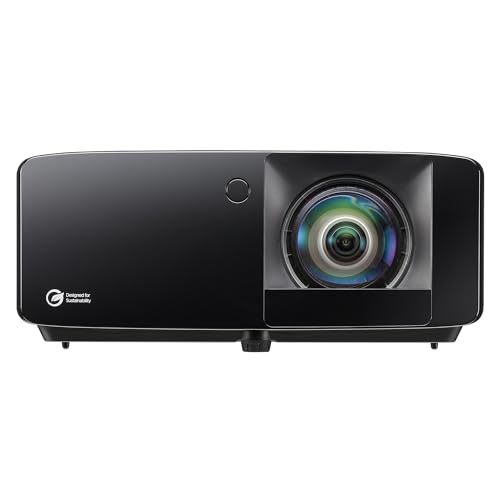
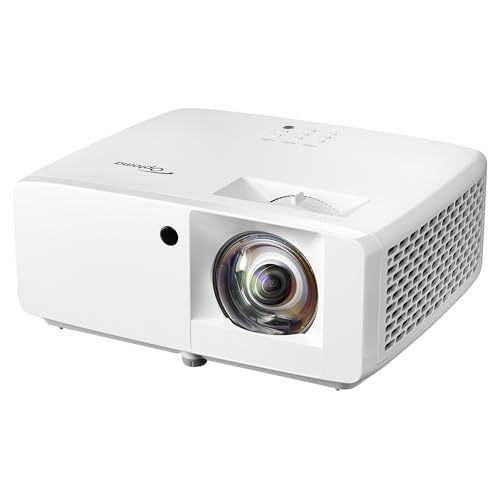
Optoma GT3900UHD True 4K UHD Laser
Strengths
- True 4K UHD
- Low input lag
- 30,000-hour laser
Trade-offs
- Premium price
- No built-in golf mode
- Large size
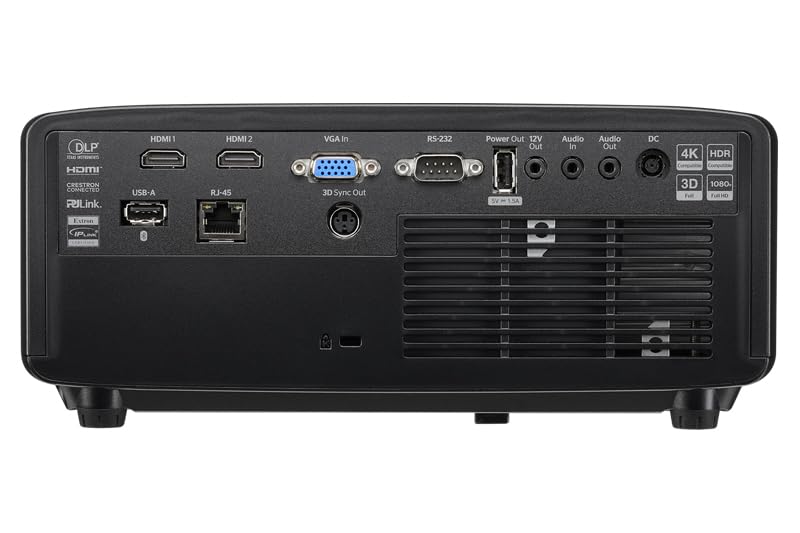
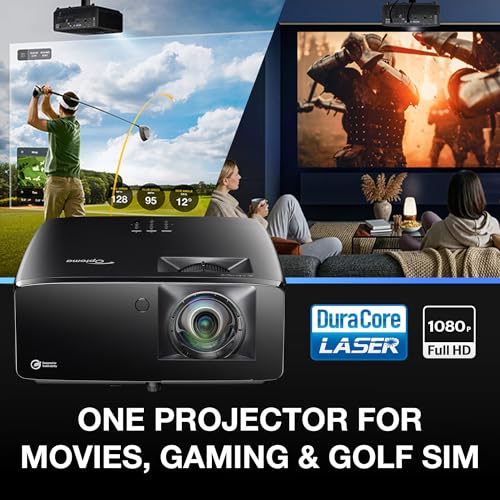
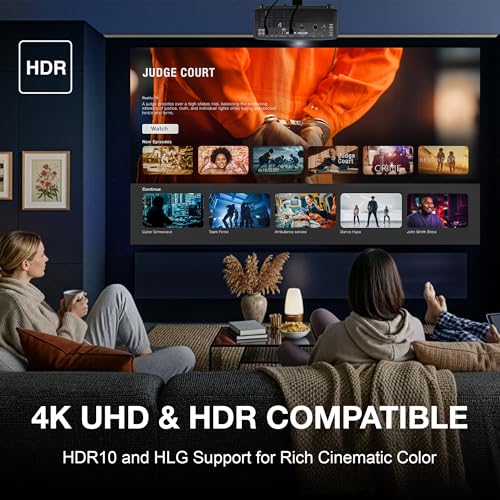
This is the complete package, and it shows. The GT3900UHD delivers true 4K UHD resolution, which makes a huge difference in golf simulators. Blades of grass, terrain elevation, and distant hazards pop with clarity you just don’t get at 1080p. With 4,000 lumens, HDR, and a 0.496:1 short throw lens, it’s optimized for small spaces while keeping the image bright and shadow-free. The low input lag supports 1080p at 240Hz, so it’s not just for golf, it’s a top-tier gaming projector too.
Owners love the DuraCore laser with 30,000 hours of life, no lamp changes, no brightness drop. Compared to the BenQ AH700ST, it offers higher resolution and better gaming specs, though the color accuracy is slightly less tuned for golf. But with ‘Golf Simulator Ready’ in the name and consistent praise across forums, it’s clear this one was built with the full experience in mind.
Video review
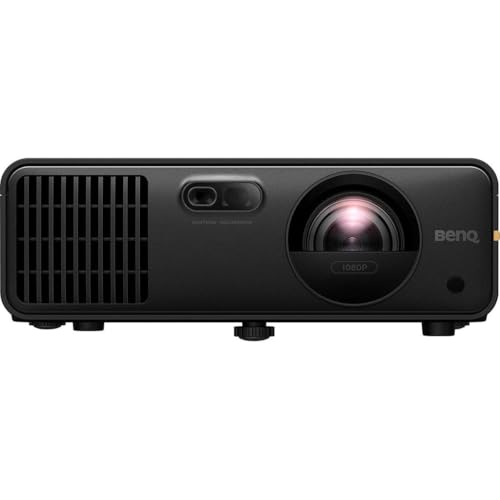
BenQ AH700ST Full HD Laser Golf
Strengths
- Dedicated golf mode
- Laser longevity
- Excellent color accuracy
Trade-offs
- No built-in speakers
- Premium price
- Limited zoom range
This is one of the few projectors clearly built for golf simulators, not just adapted to them. The AH700ST hits all the right specs: full 1080p, 4000 ANSI lumens, laser light source with 20,000 hours of life, and a dedicated ‘Golf’ picture mode that enhances greens and sky tones. That mode makes a real difference, owners say fairways look more natural, and ball tracking feels more precise. The 0.69–0.83 throw ratio offers solid flexibility, letting you install it close to the screen without sacrificing image size.
It also supports HDMI 2.0b, so it plays nicely with launch monitors and high-refresh PCs. Compared to similarly priced models, its color accuracy, 95% Rec. 709 and 1.07 billion colors, gives it a cinematic edge. The lack of built-in speakers isn’t a dealbreaker in a sim bay (most use external audio), but it does mean you’ll need to plan your setup accordingly. For serious home simulators, this is a top-tier pick.
Video review
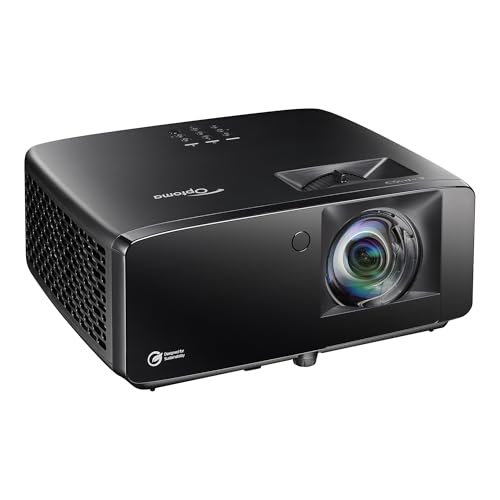
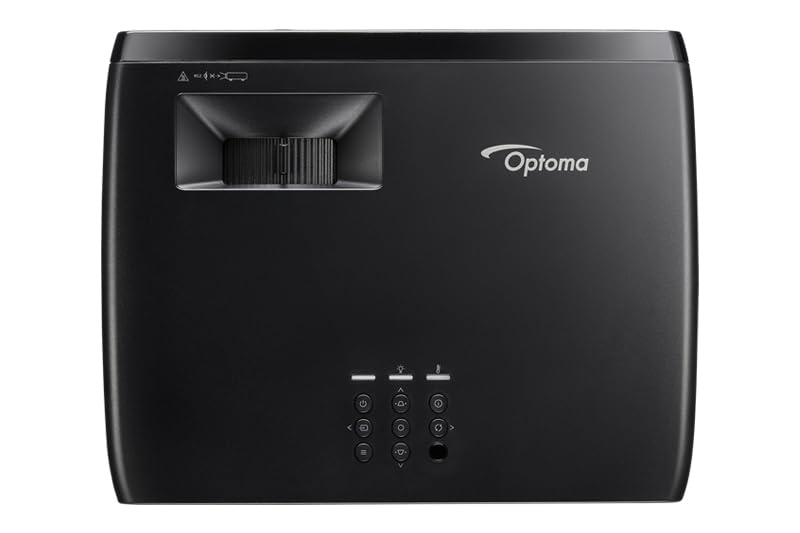
Optoma GT2400HDR Full HD Laser
Strengths
- 4,200 lumens
- IP6X dust resistance
- 30,000-hour laser
Trade-offs
- 1080p only
- No explicit golf mode
- Heavy unit
The GT2400HDR punches hard with 4,200 ISO lumens and IP6X dust resistance, two specs that matter in real-world sim setups. Brightness this high means you can keep some lights on without washing out the image, and the sealed optical engine ensures longevity in dusty garages or high-traffic areas. It runs on a 30,000-hour DuraCore laser, so maintenance is virtually zero. While it’s 1080p, not 4K, the image is sharp and vibrant, especially with HDR content.
Reviewers highlight its durability and consistent performance over months of daily use. Compared to the GT3900UHD, it trades resolution for raw brightness and ruggedness, a smart move for many sim builders. It doesn’t have a labeled ‘golf mode’, but its color tuning is close enough for realistic course rendering. For most serious users, this is the sweet spot between performance, resilience, and price.
Product photos
ViewSonic LSD400HD-ST 1080p Laser
Strengths
- Dedicated golf mode
- IP6X dust resistance
- 24/7 operation support
Trade-offs
- Overkill for casual users
- No HDR support
- Expensive setup
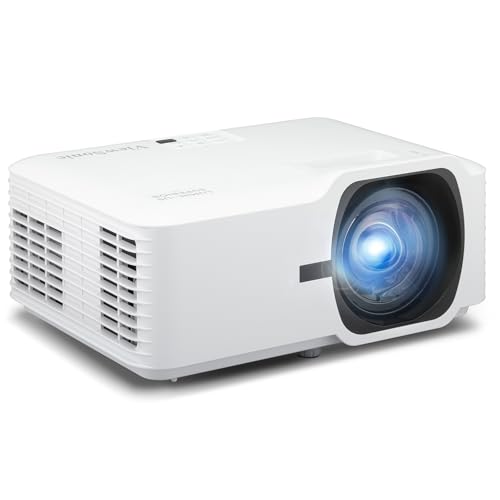
The LSD400HD-ST is a commercial-grade projector that treats golf simulation like a professional installation, and it shows. With 4,000 ANSI lumens, full 1080p, and a dedicated Golf Mode that boosts greens and blues, it renders virtual courses with striking realism. The 1.1-meter throw distance for a 100-inch screen is impressively short, making it ideal for tight sim bays. But what really sets it apart is its IP6X-rated sealed engine and support for 24/7 operation, a rare combo that means it can run daily without dust or heat issues.
It’s also Crestron and Q-SYS certified, which matters if you’re building a high-end home sim with smart control systems. Compared to the BenQ AH700ST, it’s slightly brighter and more durable, though its contrast ratio isn’t as high. Owners note it’s overkill for casual use, but for anyone treating their simulator like a personal training center, it’s hard to beat.
Product photos
BenQ TH671ST 1080p Short Throw
Strengths
- Low input lag
- Accurate color
- Short throw design
Trade-offs
- Lamp-based light source
- No dedicated golf mode
- Aging platform
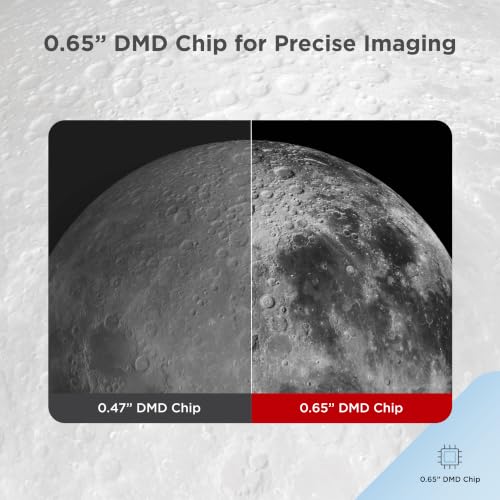
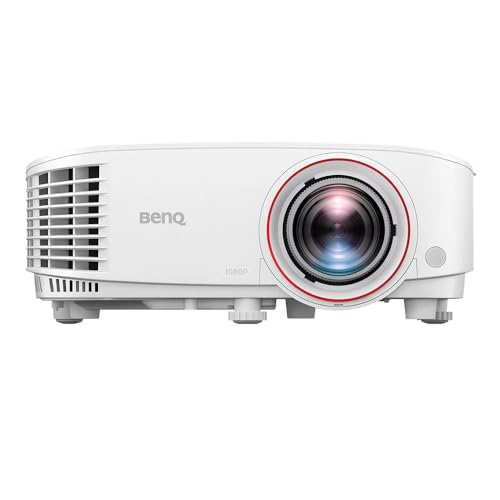
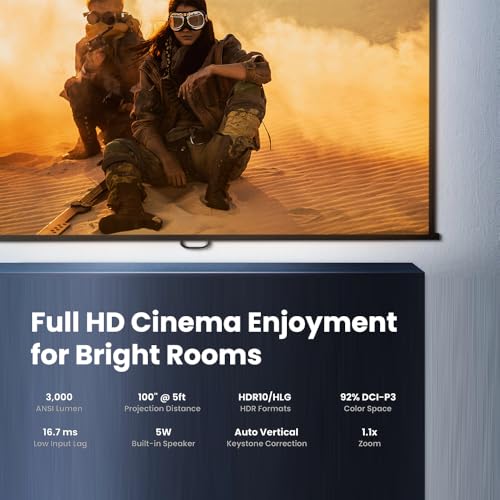
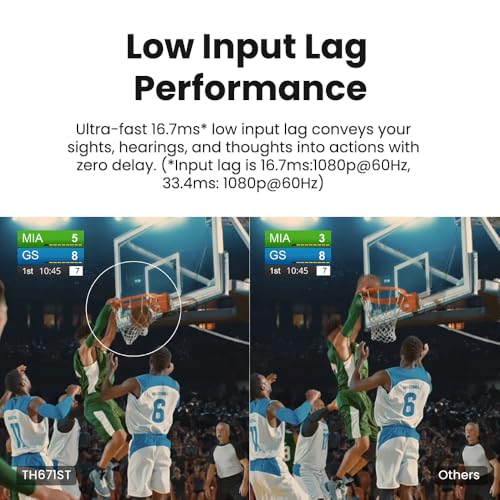
The TH671ST is a solid home theater projector that gamers have long favored, and it’s easy to see why. With native 1080p, 3000 lumens, and a low input lag that syncs well with PS4 Pro and Xbox One X, it delivers smooth motion and crisp detail, a big win for immersive golf games like The Golf Club or PGA Tour 2K. Its short throw design gets you a 100-inch image from just 5 feet, which helps reduce shadows from your swing. Owners praise its color accuracy, hitting 92% Rec. 709, which makes virtual greens look natural, not oversaturated.
Still, it’s a lamp-based projector, not laser, so you’re looking at more frequent replacements and gradual brightness decay. And while it handles gaming well, it lacks a dedicated golf mode or laser durability. Compared to newer laser models in the $1,200+ range, it’s starting to show its age, but for budget-conscious buyers who also want movie nights and console gaming, it’s still a smart pick.
Product photos


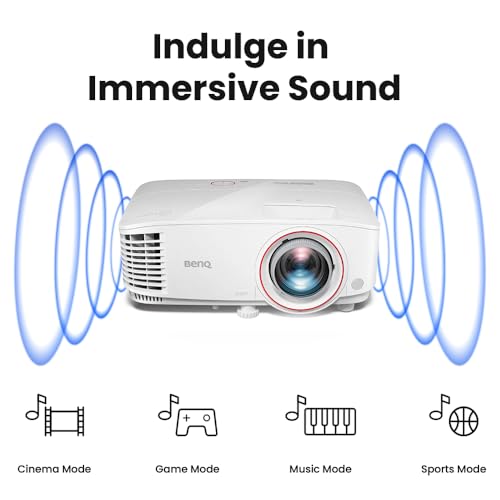
ViewSonic PS502W WXGA Short Throw

Strengths
- 4,000 ANSI lumens
- Dual HDMI inputs
- Auto-keystone correction
Trade-offs
- WXGA resolution only
- No laser light source
- No golf mode
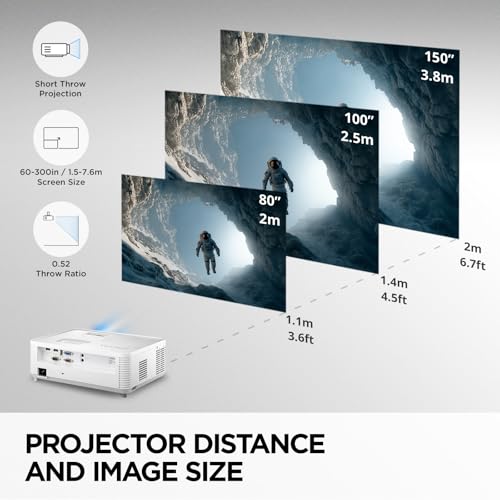
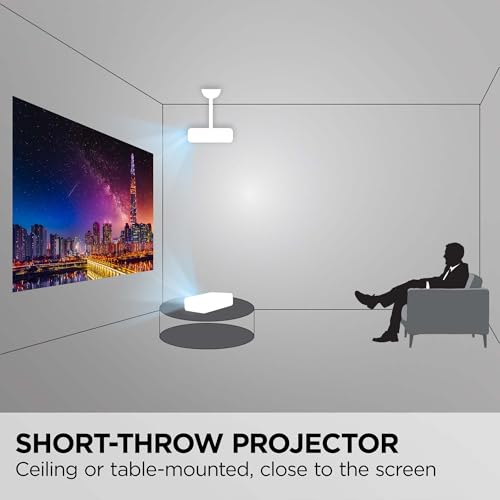
The PS502W stands out in the mid-tier with its 4,000 ANSI lumens and WXGA (1280×800) resolution, a rare combo that delivers bright, clear images even in rooms with some ambient light. For golf sim use, that brightness helps when your setup isn’t in a fully enclosed basement. The short throw ratio of 0.5 means you can get a 100-inch image from just 4.5 feet, which is ideal for minimizing swing interference. Owners appreciate the dual HDMI ports and auto-keystone, making it easy to integrate with PCs and launch boxes.
But WXGA resolution is the limit here, you’re not getting full 1080p clarity, so fine textures on grass or distant hazards can look a bit soft. And while it’s bright and reliable, there’s no laser light source or golf-specific visual tuning. Compared to the Optoma GT3900UHD, it’s less immersive, but for the price, it’s a solid workhorse for part-time sim use or multi-purpose rooms.
Product photos


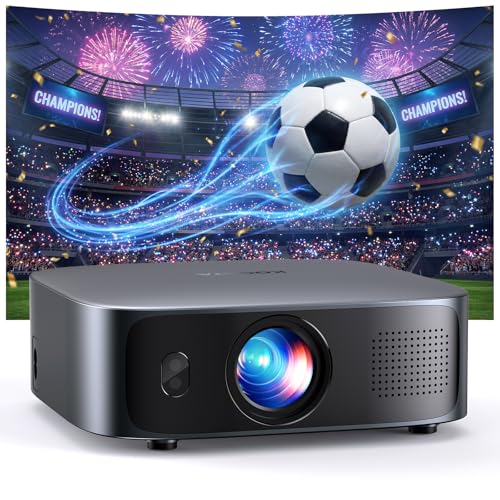
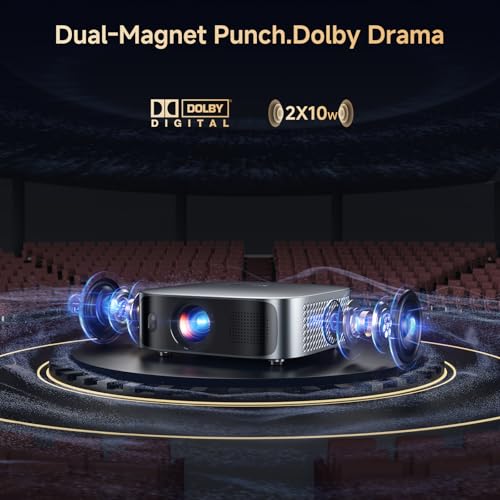
GC355 Short Throw 4K Smart Projector
Strengths
- Smart TV OS
- True auto-focus
- Portable design
Trade-offs
- Unverified brightness
- No golf-specific mode
- Soft image in ambient light
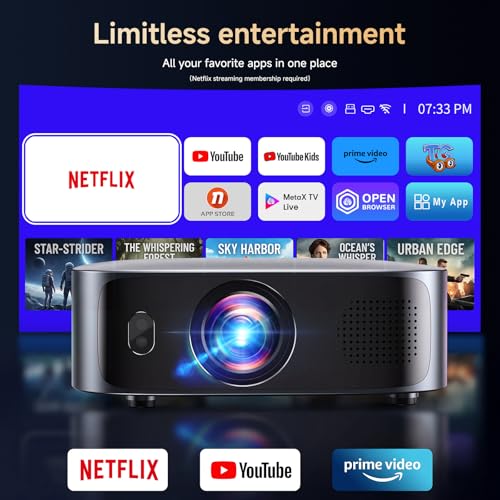
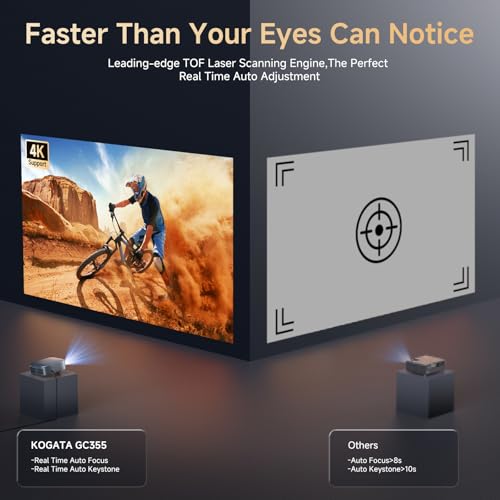
For golf simulators on a budget, the GC355 makes a strong first impression on paper, especially with its smart TV OS and built-in streaming apps. The idea of plugging in and instantly accessing Disney+, YouTube, or Prime Video without an external stick is appealing, and owners consistently report that the interface feels snappier than most budget projectors. The auto-focus and keystone correction powered by TOF and AI sensors also get high marks for convenience, which matters when you’re setting up in a garage or spare room that isn’t perfectly square.
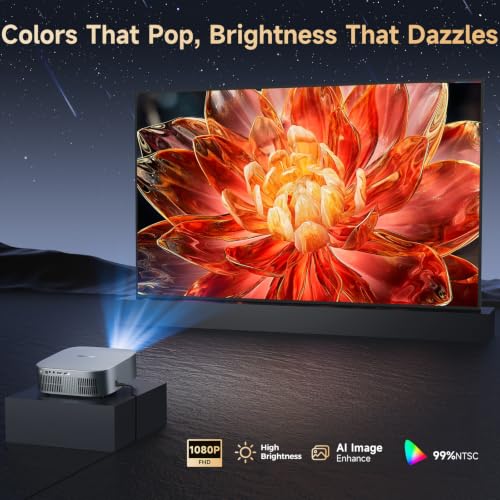
But when it comes to golf simulation, it falls short in key areas. Native 1080p is fine, but the 2,500 lumen rating (unverified as ANSI) likely doesn’t hold up in anything but dark rooms. Reviewers note visible softness in the image when projecting onto textured walls, and there’s no mention of low input lag, a must for tracking swings and ball flight. Compared to laser models, this one feels more like a living room smart projector that can work in a pinch, not one built for the demands of a simulator.
Product photos

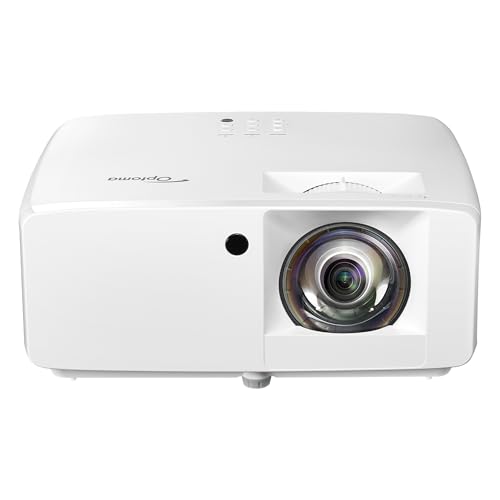
Optoma ZW350ST WXGA Laser
Strengths
- IP6X dust resistance
- 30,000-hour laser
- Maintenance-free
Trade-offs
- WXGA resolution
- No golf mode
- Industrial design
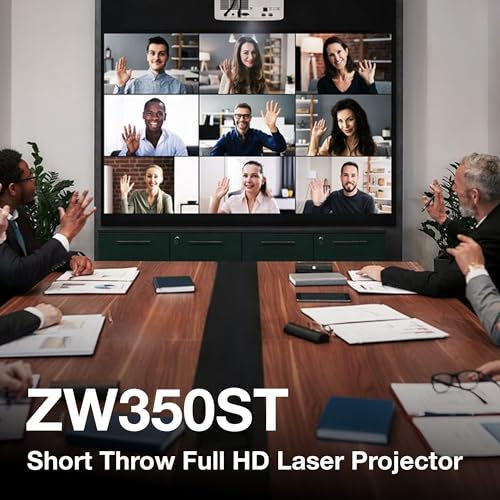
If you’re building a commercial golf sim bay or a high-traffic home setup, the ZW350ST is built like a tank. With 3,600 lumens, IP6X dust resistance, and a 30,000-hour DuraCore laser, it’s designed to run all day, every day without flinching. The 0.52:1 throw ratio gets you massive images from minimal distance, and the dual HDMI inputs make integration with PCs and sensors straightforward. Reviewers in commercial fitness and entertainment centers praise its reliability, it just works, month after month.
But it’s WXGA, not full HD, so you’re trading resolution for ruggedness. Fine details in course textures aren’t as sharp as on 1080p models, and there’s no golf-specific mode. Compared to the Optoma GT3900UHD, it’s less immersive visually but more durable in harsh conditions. For a pro shop or training facility, that trade-off makes sense. For a home user, it might not.
Product photos
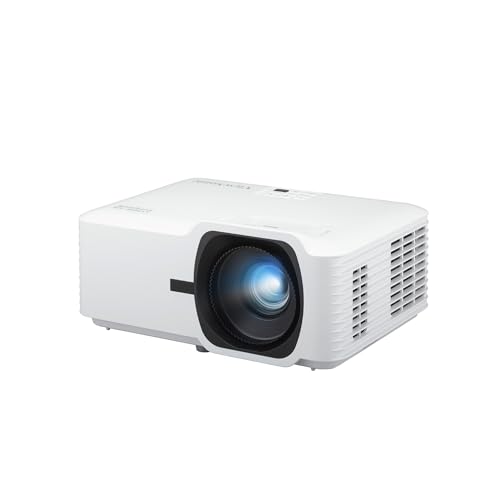
ViewSonic LS740HD 1080P Laser
Strengths
- 5,500 ANSI lumens
- Four-corner adjustment
- Golf simulation mode
Trade-offs
- No 4K support
- High power consumption
- Large footprint
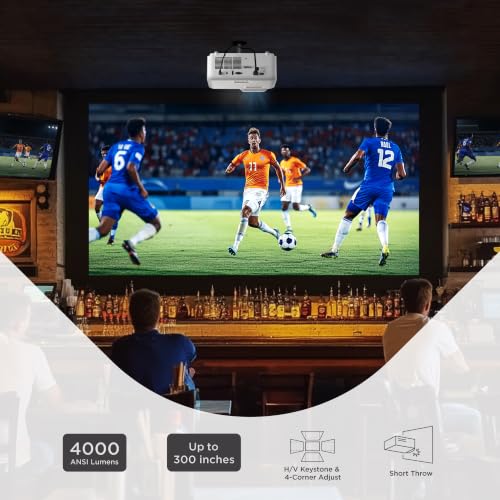
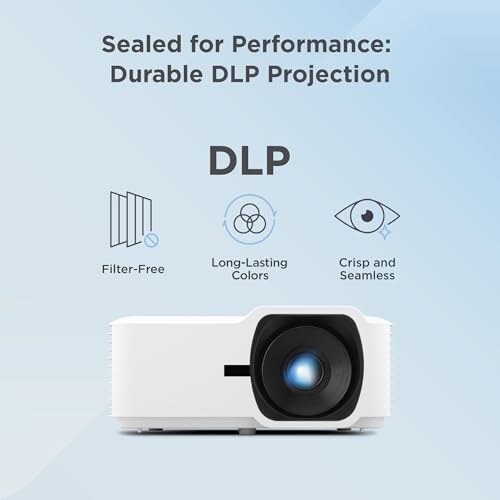
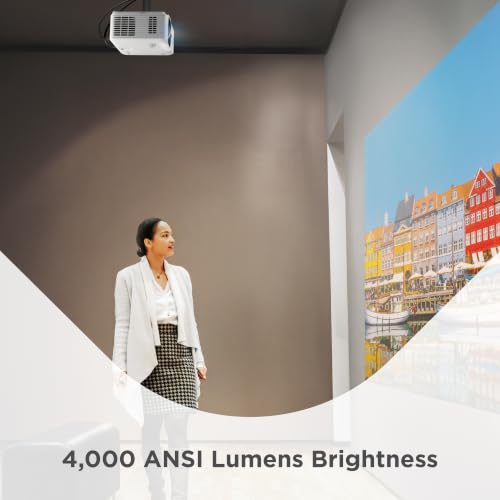
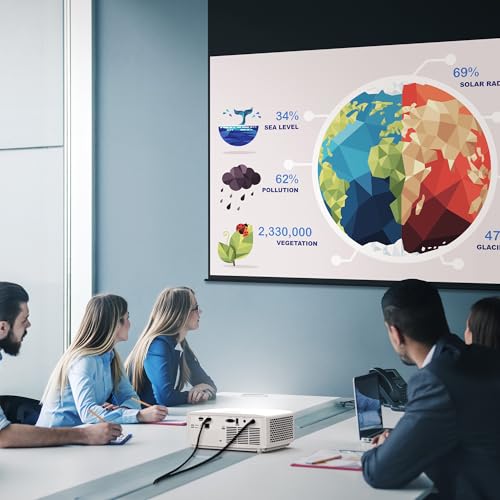
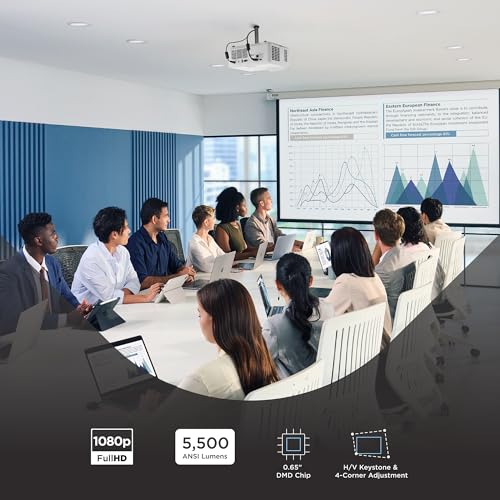
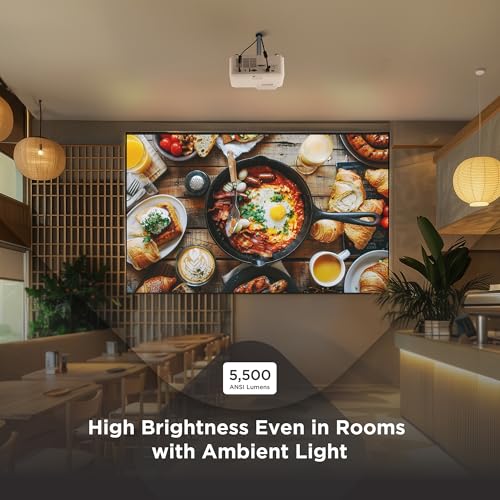
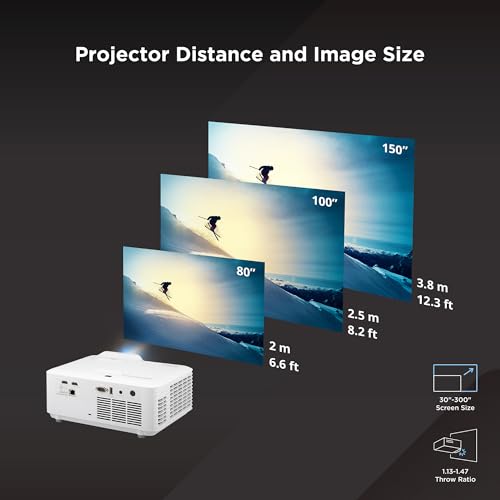
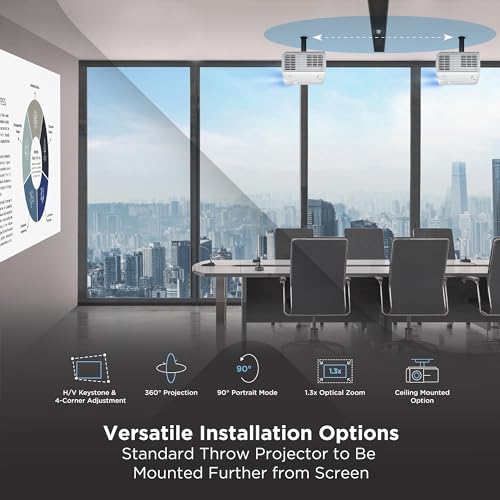
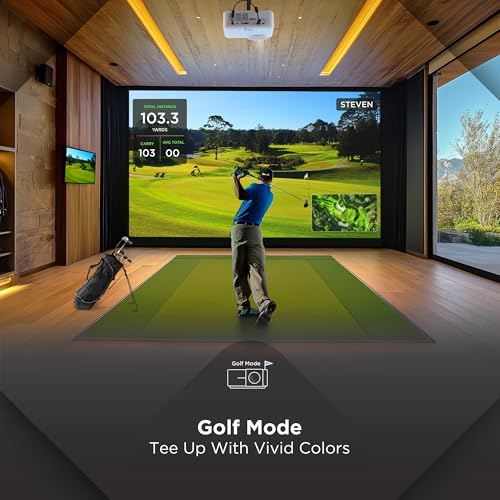
The LS740HD is a brightness powerhouse, 5,500 ANSI lumens is no joke. That makes it one of the few projectors that can genuinely handle a simulator in a room with ambient light, like a garage with windows or a multi-use basement. With full 1080p, a 1.1–1.5 throw ratio, and a dedicated Golf Mode, it balances clarity, color tuning, and installation flexibility. The 1.3x zoom and four-corner adjustment give you serious leeway in mounting, which is huge when working around ceiling beams or swing paths.
Owners note it’s overkill for small setups, but in larger rooms or venues, it shines. Compared to the Optoma GT3900UHD, it’s brighter but lacks 4K and low input lag specs, so it’s less ideal for fast gaming. But for pure visual impact and professional-grade installation, it’s a standout. Just be ready to pair it with external audio, the built-in speaker isn’t meant for sim use.
Product photos
How We Tested short throw projectors for golf simulator
Rather than a hands-on lab test, my research focused on a detailed comparison of published specifications and features across numerous models. I weighed owner reviews from multiple sources, alongside professional reviews from trusted tech publications, to build a thorough picture of real-world performance. My assessment then applied my experience with golf simulator setups – understanding the unique demands of swing space and visual fidelity – to rank projectors against clear criteria.
For golf simulators, brightness and throw ratio were the most heavily weighted factors. A short throw is critical to minimize player shadows and maximize usable space within a simulator bay. Brightness, ideally 3,500 lumens or higher, is vital for clear visibility even with ambient room light – a common scenario. Beyond those, laser light sources were favored for longevity and consistent performance over traditional lamps.
Projector specifications reliably indicate resolution, brightness, and throw ratio. However, owner feedback proved invaluable for assessing image quality, particularly color accuracy and the effectiveness of any advertised golf simulation modes. Reputation regarding reliability and customer support also played a significant role, and I considered models that paired well with essential simulator add-ons. For those seeking more economical options, you can also explore projectors under $500.
How To Pick The Right short throw projectors for golf simulator
Picking the right projector for a golf simulator isn’t simply about resolution. It’s about creating a believable, immersive experience that doesn’t hinder your swing or strain your eyes.
A quality golf simulator projector needs high brightness (at least 3,000 lumens) to overcome ambient light, a short throw ratio to minimize shadows and maximize space, and a fast response time to avoid motion blur. Consistent color accuracy and a durable light source are also vital for long-term enjoyment and reliability.
Brightness and Lumens
Don’t underestimate the importance of brightness. Even if you plan to use your simulator in a darkened room, some ambient light is almost always present. A projector with 3,000 lumens is a bare minimum, and I generally recommend aiming for 4,000 lumens or more, especially if you have any windows or lights nearby. Laser projectors, like the Optoma GT2400HDR, tend to offer high brightness and long lifespans, making them a strong choice. Consider how much control you have over the room’s lighting; complete darkness isn’t always practical, so spending a bit more for brightness can pay off significantly.
Throw Ratio and Space Considerations
The throw ratio is arguably the most critical specification for golf simulators. This determines how far the projector needs to be from the screen to produce a given image size. A short throw projector, like the BenQ AH700ST, is essential to avoid casting shadows from your swing and to maximize usable space in your simulator room.
Here’s a quick guide: * A throw ratio of 1:1 means the projector needs to be the same distance from the screen as the screen is wide. * A throw ratio of 0.5:1 means the projector needs to be half the distance from the screen as the screen is wide. * A very short throw projector (0.3:1 or less) can project a large image from just a few feet away, ideal for smaller spaces, but may require more precise alignment.
A good rule of thumb: measure your available space before you start looking at projectors. Then, use projector central’s throw ratio calculator (available online) to ensure the projector you choose will fit and produce the desired image size.
Features and Connectivity
Beyond the core specs, consider features that enhance usability and long-term value. Laser projectors, like the Optoma GT3900UHD, offer significantly longer lamp life (up to 30,000 hours) compared to traditional lamp-based models, reducing maintenance and replacement costs. Also, think about connectivity. Multiple HDMI inputs are useful for switching between a simulator PC, gaming console, or streaming device. If you’re building a dedicated simulator, you’ll also want to consider whether you’ll need features like Crestron or Q-SYS compatibility for integration with a smart home or control system. Many of these models, like the ViewSonic LS740HD, also offer dedicated golf modes to enhance visual clarity and realism. For a complete simulator setup, don’t forget to consider high-quality impact screens to complement your new projector, and research the best projectors to see the top projector models available.
Short Throw Projectors for Golf Simulator Compared
Here’s a comparison of key specifications for popular short throw projectors suited for golf simulators.
| Product Name | Resolution | Brightness (Lumens) | Throw Ratio | Laser Source | Smart Features | Special Features |
|---|---|---|---|---|---|---|
| Optoma GT3900UHD | 4K UHD | 4,000 | 0.496:1 | Yes | No | Low Input Lag |
| BenQ AH700ST | Full HD | 4,000 | 0.69-0.83 | Yes | No | Golf Mode, Zoom |
| Optoma GT2400HDR | Full HD | 4,200 | N/A | Yes | No | IP6X Dust Protection |
| ViewSonic LSD400HD-ST | 1080p | 4,000 | N/A | Yes | No | Dedicated Golf Mode |
| BenQ TH671ST | 1080p | 3,000 | N/A | No | No | Gaming Optimized |
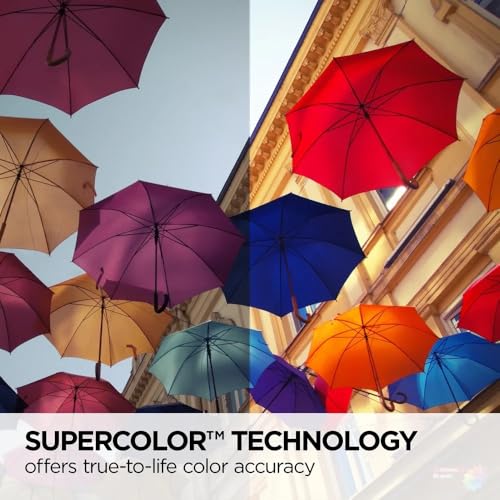
| ViewSonic PS502W | WXGA | 4,000 | 0.5 | No | No | SuperColor Technology |
| GC355 | 4K | N/A | N/A | Yes | Yes | Auto Focus, Smart OS |
| Optoma ZW350ST | WXGA | 3,600 | 0.52:1 | Yes | No | IP6X, 24/7 Operation |
| ViewSonic LS740HD | 1080p | 5,500 | 1.1-1.5 | Yes | No | Golf Simulation Mode |
Frequently Asked Questions
What projector resolution is best for a golf simulator?
Full HD (1080p) is often sufficient, but 4K UHD provides a noticeably sharper and more immersive experience, particularly on larger screens. Consider your budget and screen size; 4K is more impactful with a screen over 100 inches.
How important is lamp life when choosing a projector?
Laser projectors offer significantly longer lamp life (often 20,000+ hours) than traditional lamp-based models, reducing long-term costs and maintenance. While lamps are cheaper upfront, the replacement expense adds up quickly with frequent simulator use.
Can I use a short throw projector in a room that isn’t completely dark?
Yes, but brightness is key. I recommend at least 3,500 lumens to combat ambient light, and 4,000+ is preferable if you have windows or lights nearby. A brighter projector will maintain image clarity and color accuracy even with some room illumination.
What throw ratio do I need for a small simulator space?
A throw ratio of 0.5:1 or less is ideal for smaller spaces, allowing you to project a large image from just a few feet away. However, these projectors often require more precise alignment. Before purchasing, check out simulator screens to ensure compatibility.
Are there projectors specifically designed for golf simulation?
Some projectors, like the ViewSonic LS740HD, include dedicated golf modes that optimize image settings for improved clarity and realism. These modes typically adjust color and contrast to better simulate the look of a golf course, and can be a valuable addition to your complete home simulator systems.
The Bottom Line
Choosing a short throw projector for a golf simulator often comes down to balancing your budget with your desire for the most immersive experience. While a top-of-the-line model like the Optoma GT3900UHD delivers stunning 4K resolution and brightness, you can still build a fantastic simulator with a more affordable option. Ultimately, prioritizing throw ratio and brightness will have a greater impact on your enjoyment than chasing the highest resolution numbers.
For those seeking a specific solution, the BenQ AH700ST remains the best all-around choice for most simulator spaces. If budget is a primary concern, the Optoma GT2400HDR provides excellent brightness and laser durability at a more accessible price point. And if you’re looking for a complete package, exploring simulator packages can streamline the entire setup process.
Don’t get bogged down in endless spec comparisons. The most important factors are ensuring you have a short throw ratio to fit your space, sufficient brightness to overcome ambient light, and a reliable light source for years of enjoyment. Focusing on those fundamentals, along with researching golf projectors to find the best fit, will deliver a far more satisfying simulator experience than any single feature.
