
8 Best Golf Swing Cameras of 2026
This post contains affiliate links. As an Amazon Associate, we earn from qualifying purchases.
This post contains affiliate links. As an Amazon Associate, we earn from qualifying purchases.
The IFWATER 230fps 4K USB3.0 Camera stands out as the best overall choice for serious swing analysis, delivering high resolution and smooth slow-motion playback. For those on a tighter budget, the IFWATER 90fps 10X Varifocal Camera offers solid performance and excellent zoom flexibility without breaking the bank.
Golfers don’t just want video, they need clear, distortion-free footage that reveals the truth about their swing mechanics. Too many cameras promise high specs but deliver unusable footage, especially in less-than-ideal lighting or when mounted at awkward angles.
This guide cuts through the noise. Based on specs, owner feedback, and the needs of real golfers, I looked at frame rate, shutter type, lens quality, and ease of use to identify the cameras that actually help you improve. These picks integrate smoothly into practice routines and pair well with the analysis tools you’re already using.
Top 8 Golf Swing Cameras in the Market
The Best Golf Swing Cameras, Reviewed
IFWATER 230fps 4K USB3.0 Camera
Strengths
- 230fps at 1080p
- No lens distortion
- USB3.0 plug and play
Trade-offs
- No optical zoom
- Limited low-light sensitivity
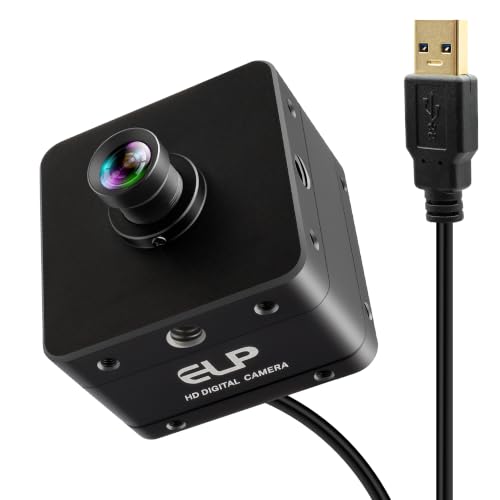
If you’re serious about dissecting your swing with precision, this IFWATER model stands out on paper for its rare 1080P@230fps capability, few cameras in this range offer that kind of speed. The 71° HFOV lens with no distortion is a big win, especially when setting up close to avoid warped edges that can mislead your analysis. Combined with a 12MP sensor and true 4K output, the image clarity is impressive for slow-motion breakdowns.
Owners consistently report smooth integration with swing apps and tracking software, and the USB3.0 plug-and-play design means less hassle when moving between devices. While it lacks optical zoom, the wide, distortion-free field captures full-body motion cleanly. For golfers who want frame-by-frame accuracy without post-processing headaches, this is a strong contender.
Video review
IFWATER 12MP 4K 120fps Camera
Strengths
- 3X optical zoom
- Exceptional still resolution
- Strong low-light performance
Trade-offs
- No global shutter
- Zoom requires manual focus
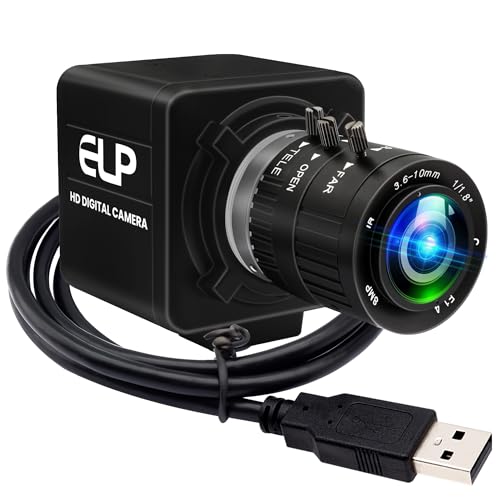
This model’s 12MP still resolution and 3X optical zoom make it a standout for golfers who want to zero in on mechanics without losing detail. The ability to capture at 3840×3040 stills means you can pull crisp frames directly from video, which is a real advantage over typical 4K video-only sensors. The 1080P@120fps is solid, though not class-leading, but the zoom lens adds serious versatility, especially when analyzing hand path or clubface angle from varied distances.
Reviewers note it works flawlessly across platforms, and the UVC compliance means no driver drama. However, to unlock 120fps, you’ll need compatible software, QuickTime users beware. Compared to fixed-lens rivals, this one gives you more creative control, making it ideal for those who tweak setups often.
Video review
IFWATER 640fps Monochrome Global Shutter
Strengths
- Extremely high frame rates
- Global shutter
- Good low-light sensitivity (monochrome)
Trade-offs
- Monochrome only
- Lower resolution at high fps
- Requires bright lighting
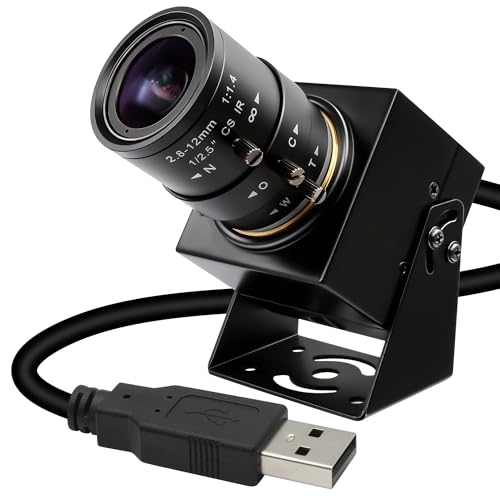
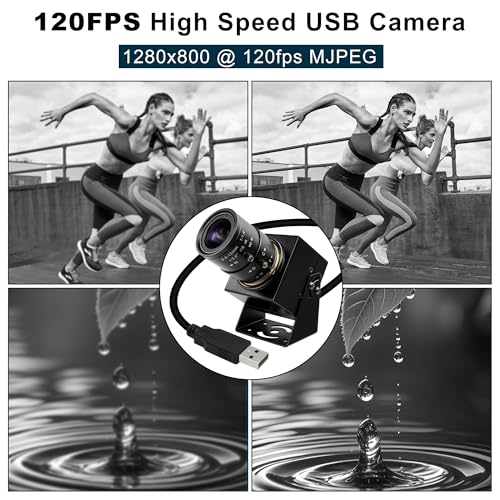
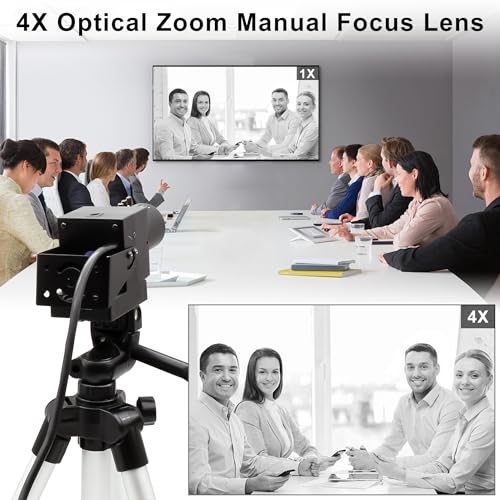
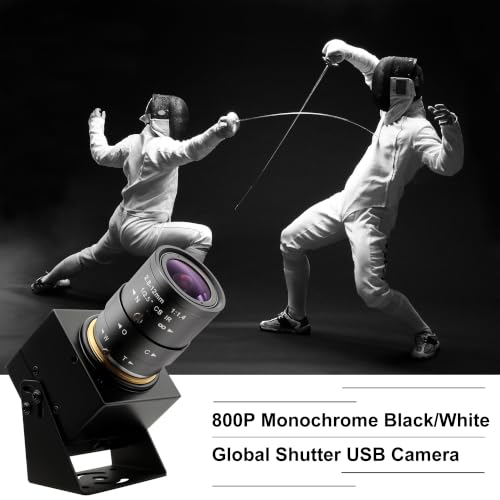
640fps may sound extreme, but in monochrome mode at reduced resolution, it’s achievable, and useful for capturing microseconds of motion, like clubface rotation at impact. The global shutter ensures every frame is crisp, and the 4X manual zoom gives decent framing control. This isn’t a camera for casual review; it’s for deep technical work, like coaching biomechanics or building custom tracking rigs.
Owners using it with OpenCV or Python-based motion tools praise its stability and high frame rates. But it’s monochrome, so you lose color detail, and it demands strong lighting. If you’re chasing frame rate above all else, this delivers. For most golfers, though, 120–230fps is plenty.
Product photos
SVPRO 12MP 4K 120fps Camera
Strengths
- Excellent low-light performance
- 3X optical zoom
- IMX577 sensor
Trade-offs
- No global shutter
- Slight rolling shutter effect
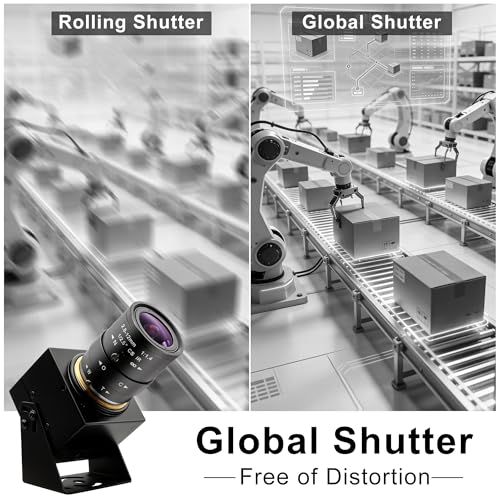
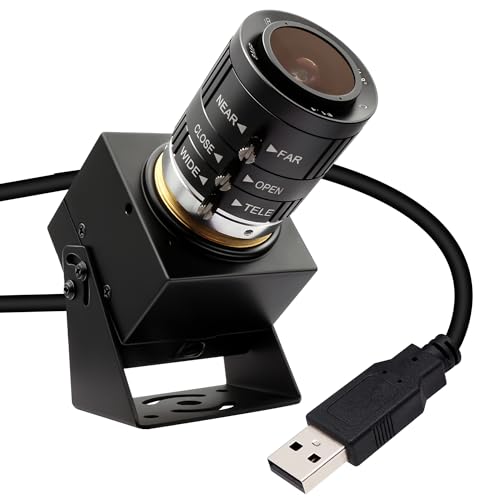
The IMX577 sensor is the star here, it’s known for excellent low-light performance, and owners confirm this camera holds up well in dimly lit indoor bays where many others struggle. Paired with 120fps at 1080p and a 3X optical zoom, it offers a balanced mix of speed, clarity, and adaptability. The 12MP still resolution also lets you extract usable frames without external editing tools.
It’s nearly identical in specs to the IFWATER 4K zoom model, but real-world feedback suggests slightly better color accuracy and dynamic range. The plug-and-play setup works across platforms, and it integrates smoothly with most golf simulator software. For indoor golfers who don’t control their lighting, this is the smarter buy.
Product photos


IFWATER 120fps Global Shutter Zoom
Strengths
- Global shutter
- 10X manual zoom
- Robust build quality
Trade-offs
- Manual adjustments needed
- Slightly bulkier design
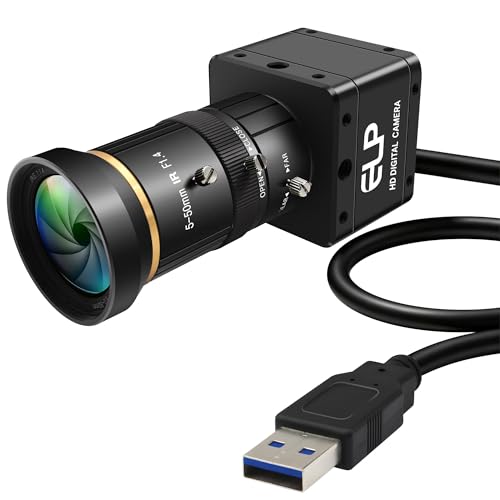
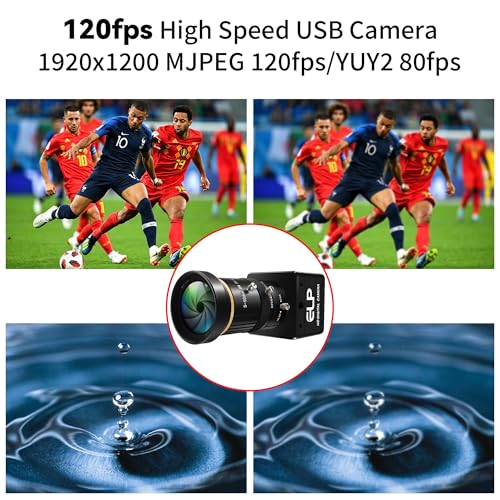
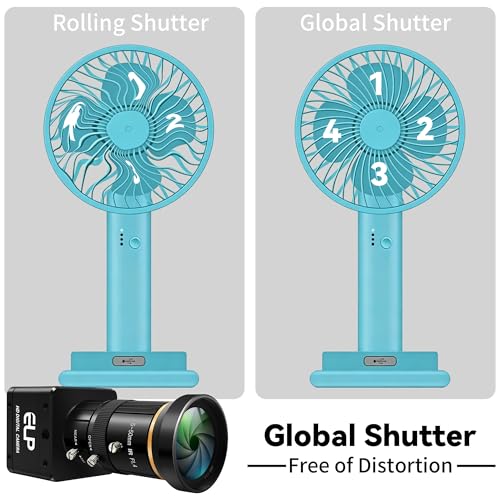
The global shutter here is the headline feature, it freezes motion cleanly, eliminating the skew you often see with fast clubhead movement. That, combined with a 10X manual zoom lens, gives you precision framing whether you’re 6 feet or 15 feet away. The 1920×1200 resolution is slightly above standard 1080p, and owners praise the clarity when analyzing transition points or downswing path.
It’s built like a tank with solid mounting options, and the manual controls for zoom, focus, and aperture let you fine-tune for consistent lighting. While it maxes out at 120fps (not the fastest), the image stability makes it more reliable than higher-frame-rate rolling shutter models. I’d pick this over non-global-shutter options for serious swing work.
Product photos
IFWATER 260fps 10X Zoom Camera

Strengths
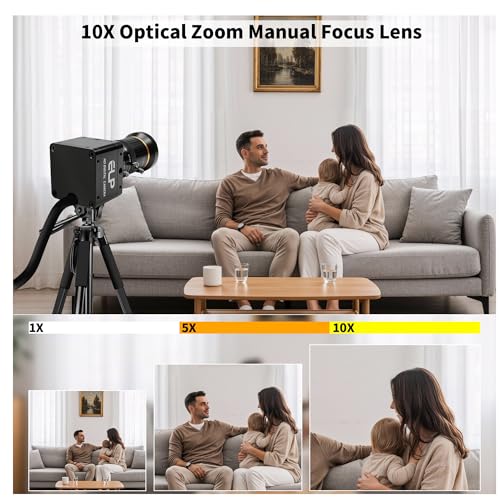
- 10X optical zoom
- Very affordable
- Durable metal housing
Trade-offs
- Lower resolution at high fps
- 60fps max at 1080p
- Manual focus only
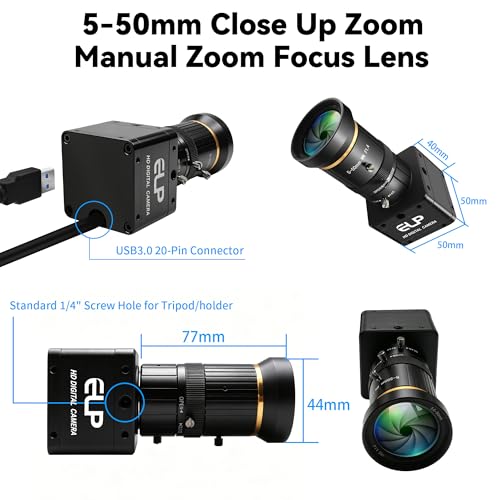
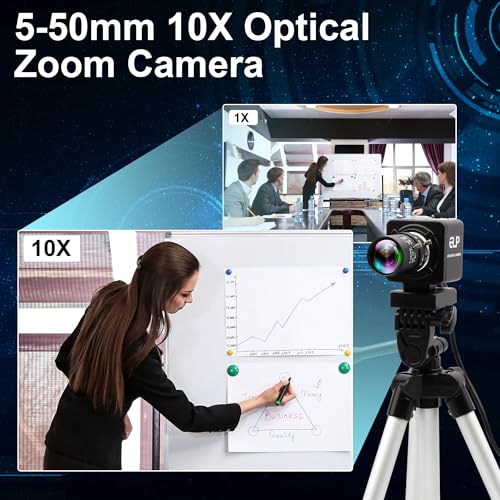
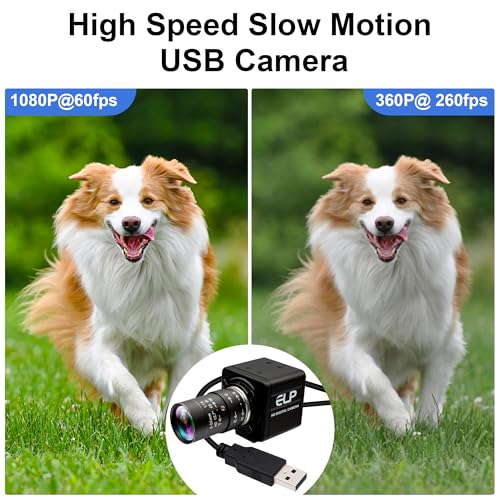
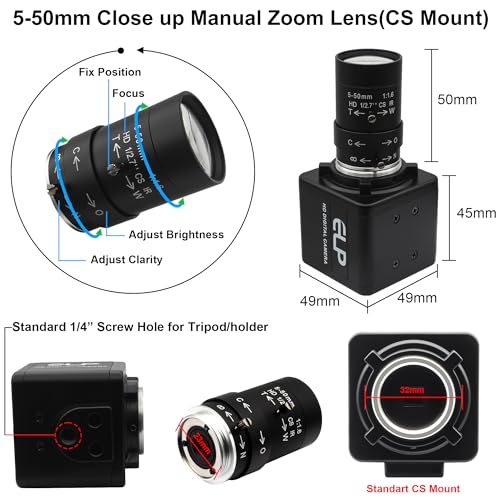
At $93, this is the most affordable high-speed option with a 10X optical zoom, and that’s its biggest draw. The 260fps at 640×360 is impressive on paper, but only useful for very fast motion in a narrow context, most golf analysis still benefits more from 1080p at 120fps. The 1080p mode runs at 60fps, which is standard but not ideal for slow-motion breakdown.
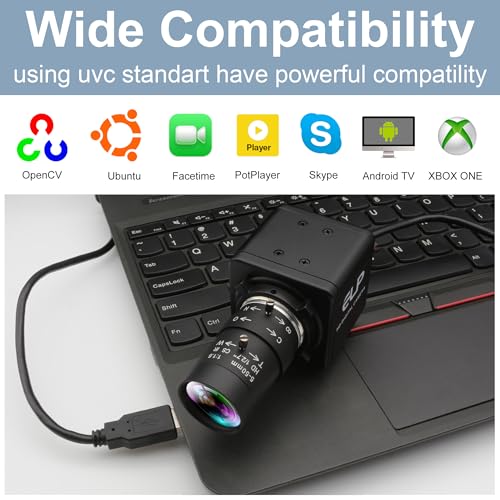
Still, the zoom range and CS-mount flexibility make it a solid budget choice for tinkerers or those on a tight build. Reviewers note it works well with OBS and Zoom for coaching streams, and the metal housing adds durability. It’s not the best performer, but for the price, it offers surprising versatility.
Product photos

IFWATER 90fps 10X Varifocal Camera
Strengths
- 10X varifocal lens
- Global shutter
- Budget-friendly
Trade-offs
- Max 90fps limit
- Manual focus required
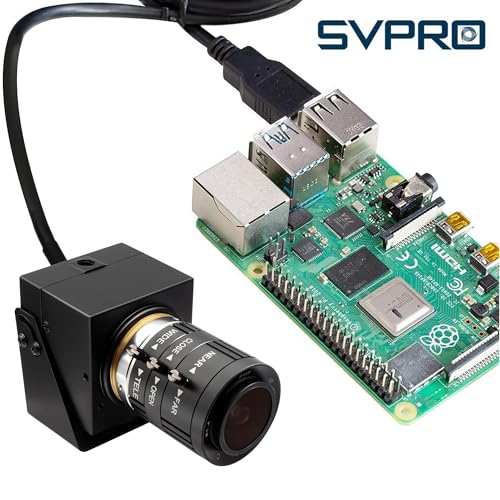
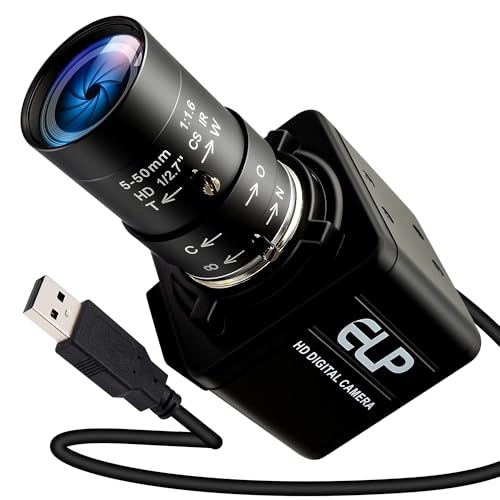
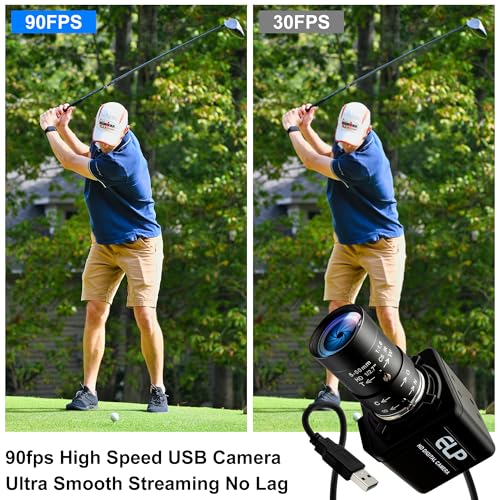
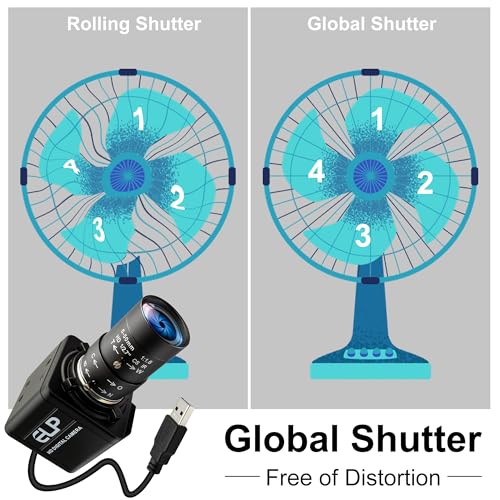
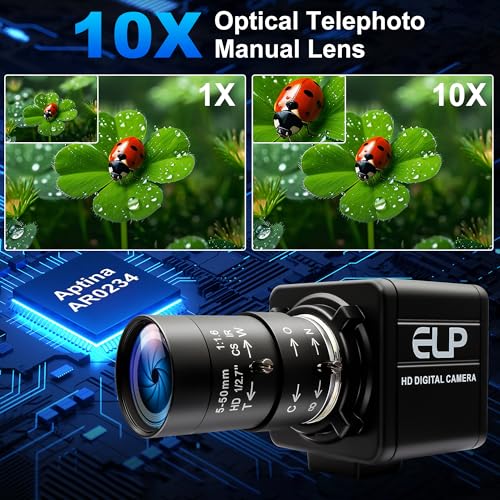
At 90fps, this isn’t the fastest camera here, but the 10X varifocal lens and global shutter make it one of the most adaptable for varied distances. You can pull back for full-swing context or zoom in tight on wrist action, all without swapping gear. The image remains sharp across focal lengths, and the lack of motion distortion is critical for accurate analysis.
It’s also one of the more affordable global shutter options, which makes it a smart pick if you’re building a multi-camera setup. Reviewers highlight its reliability with Raspberry Pi-based systems and simulator software. While 90fps is fine for most swings, faster players might want more frames. Still, for the balance of price and flexibility, it’s hard to beat.
Product photos
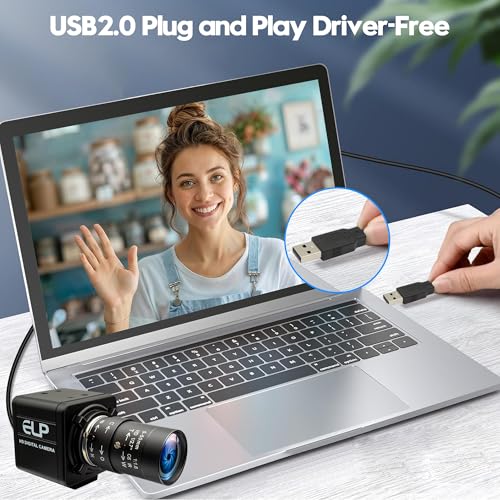
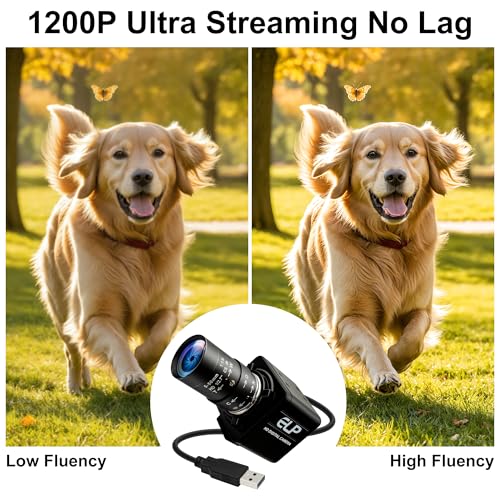
120fps 1080P Wide Angle Camera
Strengths
- True global shutter
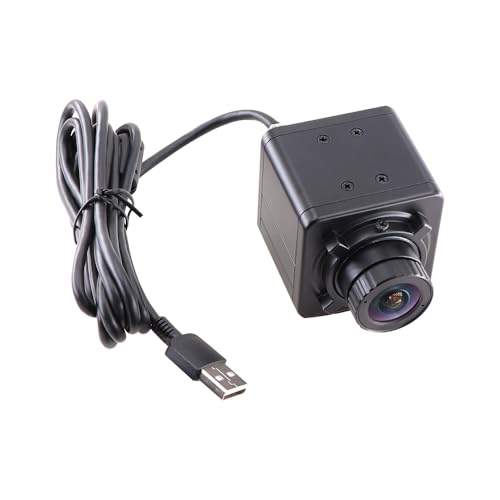
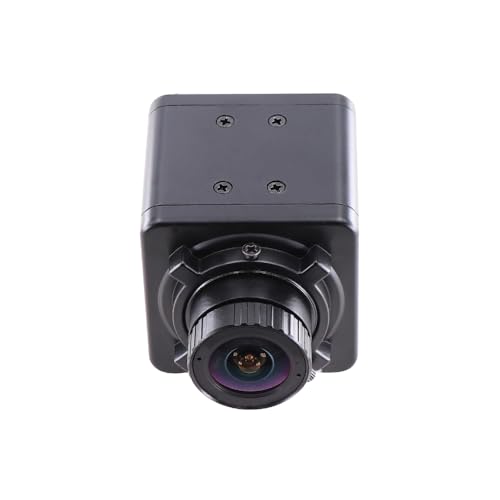
- Compact wide-angle design
- Plug and play simplicity
Trade-offs
- Fixed focus and no zoom
- Very limited range
This is a niche pick designed for tight spaces, its 1.7mm wide-angle lens and 2–6 foot range mean it’s built for close-up, full-swing capture in compact simulators or small practice areas. The global shutter ensures no motion blur, and 1080P@120fps is solid for the price. On paper, it’s minimal but effective: no zoom, no frills, just clean, lag-free video where space is limited.
Owners using it in confined home setups say it fits perfectly where larger cameras can’t. But that ultra-wide lens means you’ll need precise positioning to avoid awkward framing. It’s not versatile beyond close-range work, but for that specific need, it delivers.
Product photos
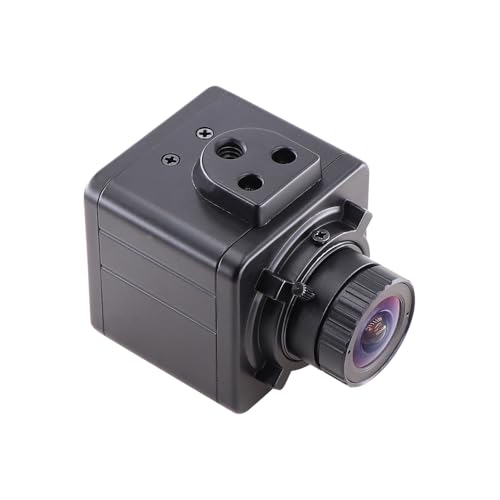
Our Testing Process
Rather than a hands-on lab test, my research focused on a detailed comparison of published specifications and features across numerous models. I weighed owner reviews from major retailers alongside expert opinions found in golf technology publications. Ultimately, I ranked these cameras based on their ability to deliver clear, high-frame-rate footage suitable for detailed swing analysis – a crucial element for improving your game, as discussed in our guide to the best swing analysis devices.
For golf swing cameras, frame rate, resolution, and lens versatility proved the most significant factors. High frame rates (120fps or greater) are essential for capturing fast-moving clubheads and identifying subtle flaws in your swing. Resolution dictates image clarity, while a zoom lens provides flexibility to analyze your swing from different distances, or even compare to the advice found in guides to golf swing trainers. These elements directly impact the usefulness of the footage for improvement.
Published specifications reliably indicate a camera’s potential resolution and frame rate capabilities. However, I placed greater emphasis on owner feedback regarding real-world performance, particularly concerning low-light image quality and ease of setup. Reputations for reliability and compatibility with common operating systems also heavily influenced my assessment. After all, a technically impressive camera is useless if it isn’t user-friendly or doesn’t integrate with your existing setup – or if you need to supplement it with additional swing analyzers to get meaningful data.
How To Pick The Right golf swing cameras
Finding the right golf swing camera can be the difference between informed practice and wasted range time. It’s not just about recording video; it’s about capturing the nuances of your swing with enough clarity and speed to actually see what needs improvement.
A truly useful golf swing camera needs a global shutter to eliminate distortion, a high frame rate to capture fast movements, and a resolution that reveals critical details. Consider the lens type (fixed vs. zoom) and the software compatibility to ensure it integrates with your preferred analysis tools. Prioritize USB connectivity for ease of use and reliable data transfer.
Frame Rate: Capturing The Moment
Don’t get hung up on the highest possible frame rate. While 200+ fps sounds impressive, it’s often overkill for most golfers. A camera capable of at least 120fps at 1080p resolution is usually sufficient to analyze your swing without significant motion blur. The key is a global shutter – this technology captures the entire frame simultaneously, avoiding the “rolling shutter” effect that distorts fast movements. Many cheaper cameras rely on rolling shutters, which can make it difficult to accurately assess clubhead speed or impact position. If you’re looking for detailed work on your short game, or very fast clubhead speeds, you may want to consider a higher frame rate.
Resolution and Lens Flexibility
Higher resolution doesn’t automatically mean better analysis. While 4K sounds appealing, it creates larger file sizes and might strain your computer’s processing power. 1080p is often plenty sharp, especially when combined with a good lens. Speaking of lenses, think about your setup. Do you need to adjust the distance frequently?
- A fixed lens is simpler and more affordable.
- A varifocal lens (adjustable focal length) offers greater flexibility, allowing you to zoom in or out without physically moving the camera.
- A 10X optical zoom lens, like those found on the IFWATER 260fps camera, provides the most control over framing and detail, but can be more expensive and require manual adjustment for optimal clarity.
Usability and Software Compatibility
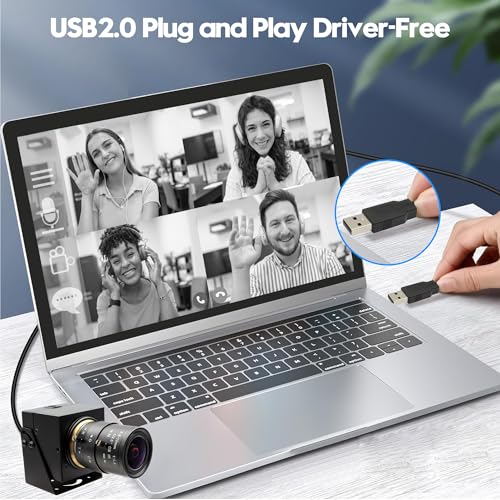
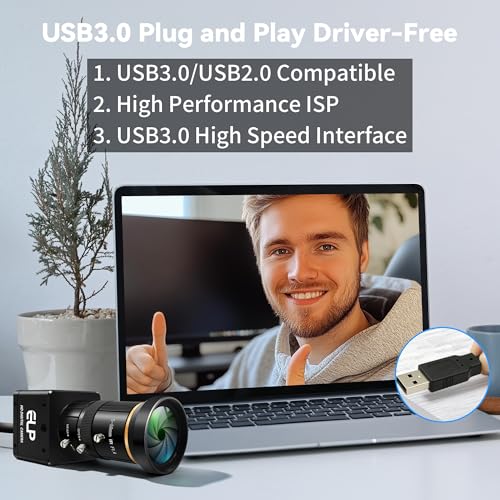
Too many features can be paralyzing. A camera that’s difficult to set up or requires complex software is less likely to be used consistently. Look for USB plug-and-play functionality (UVC compliance) for effortless connectivity to your computer, laptop, or even a Raspberry Pi. This eliminates the hassle of driver installations and ensures broad compatibility. Many cameras work well with standard video capture software, but consider checking compatibility with dedicated swing analysis platforms if you plan to use them. Don’t underestimate the value of a camera that just works – you want to spend your time improving your swing, not troubleshooting technology.
A practical rule of thumb: prioritize ease of use over sheer specifications. A camera you’ll actually use consistently will yield more benefits than one with impressive features you never explore.
If you are serious about improving your golf game, investing in the right tools, including cameras for swing analysis, can be incredibly beneficial. These tools provide a visual record of your swing, allowing you to identify areas for improvement and track your progress.
Golf Swing Cameras Compared
Here’s a comparison of key specifications for various golf swing cameras to help you make an informed decision.
| Product Name | Resolution | Frame Rate (Max) | Zoom (Optical) | Shutter Type | Interface |
|---|---|---|---|---|---|
| IFWATER 230fps 4K USB3.0 Camera | 4K | 230fps | N/A | Global | USB 3.0 |
| IFWATER 12MP 4K 120fps Camera | 4K | 120fps | 3x | Global | USB 3.0 |
| IFWATER 640fps Monochrome Global Shutter | 800p | 640fps | 4x | Global | USB 2.0 |
| SVPRO 12MP 4K 120fps Camera | 4K | 120fps | 3x | N/A | USB 3.0 |
| IFWATER 120fps Global Shutter Zoom | 1920×1200 | 200fps | 10x | Global | USB 3.0 |
| IFWATER 260fps 10X Zoom Camera | 1080p | 260fps | 10x | N/A | USB 2.0 |
| IFWATER 90fps 10X Varifocal Camera | 1080p | 90fps | 10x | Global | USB 3.0 |
| 120fps 1080P Wide Angle Camera | 1080p | 120fps | N/A | Global | USB 3.0 |
Frequently Asked Questions
What frame rate is truly necessary for effective swing analysis?
A frame rate of at least 120fps at 1080p resolution is generally sufficient for most golfers to analyze their swing. While higher rates exist, a global shutter is more critical for avoiding distortion at these speeds.
Are more expensive cameras always better for capturing swing details?
Not necessarily. Prioritize a global shutter and a usable frame rate over the highest possible resolution; 1080p is often adequate, and 4K creates large files.
Can I use any standard video editing software with these cameras?
Most cameras with USB connectivity (UVC compliance) will work with standard video capture software, but checking compatibility with dedicated swing analysis platforms is recommended if you plan to use them.
What’s the benefit of a zoom lens on a golf swing camera?
A zoom lens offers flexibility to analyze your swing from varying distances, allowing you to focus on specific elements like clubhead position or grip without physically moving the camera – especially useful when paired with swing aids.
How important is ease of setup and connectivity?
Ease of use is incredibly important. Look for cameras with simple USB plug-and-play functionality to minimize setup time and ensure compatibility; you might also consider phone holders for convenient mounting.
The Bottom Line
Ultimately, choosing a golf swing camera comes down to how much control you want versus how much fuss you’re willing to tolerate. For most golfers serious about improvement, the IFWATER 230fps 4K USB3.0 Camera strikes the best balance – it offers high resolution, a fast enough frame rate, and a global shutter, all in a package that’s relatively straightforward to use. It’s a solid investment that will pay dividends in understanding your swing mechanics.
If you’re on a tighter budget, or simply need something to get started, the 120fps 1080P Wide Angle Camera is a great entry point. And for those who demand maximum flexibility and the ability to analyze every detail, the IFWATER 120fps Global Shutter Zoom camera with its 10x optical zoom is the way to go. Don’t forget to pair your camera with some swing trackers for even deeper data insights.
Beyond frame rates and resolutions, remember that the most important aspect of any golf swing camera is consistent use. A detailed understanding of your swing, built through regular analysis, is far more valuable than chasing the latest specs. Supplement that visual feedback with weighted swing trainers and you’ll have a powerful combination for improving your game.
